Make the routine about repeatability
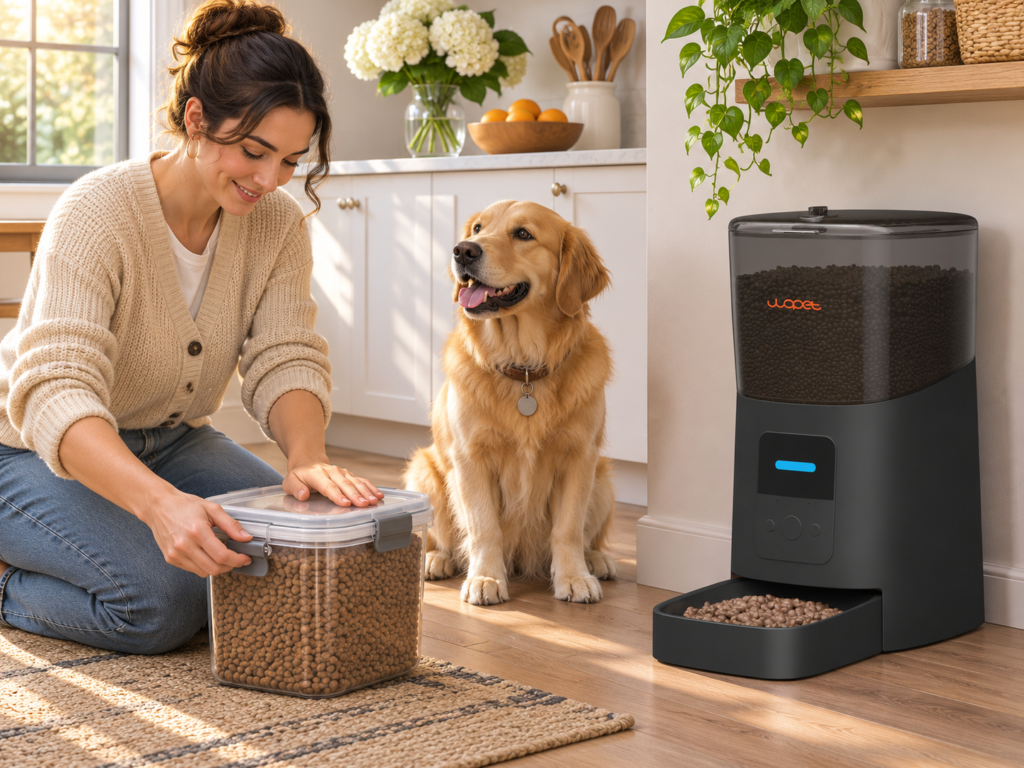
Write down the meals you can serve consistently in a normal week, including days when work runs late. Then decide which meals make sense to put on a timer.
Choose times around the day you actually live
Look at a normal week, not an idealized schedule. If commute times shift, select meal times that remain workable across most days. Consider the dog’s exercise and bathroom routine, and follow veterinary instructions if medication or a health issue affects timing. When changing from free-feeding or irregular meals, introduce the new schedule gradually while observing appetite and comfort. Avoid moving a meal by several hours all at once if your dog is accustomed to a different pattern.
Measure the daily food before dividing it
Use the feeding directions on the package as an initial reference, then confirm the right amount for your dog with a veterinarian. Measure the full daily ration and divide it among the planned meals. The AKC’s article on how often dogs should eat gives general context, but individual dogs differ. Treats and training rewards also contribute to daily intake, so account for them rather than adding them on top without consideration.
Check the feeder’s actual output
An app’s serving number may not translate directly to a cup or gram measurement. Kibble size and shape can influence how food flows. Dispense several portions into a container, weigh them, and compare the amount with your plan. Repeat the test with the hopper partly full. If servings vary, review compatible food guidance and the manual. Keep giving meals by hand until the feeder reliably produces the planned portion.
Make the plan visible to everyone
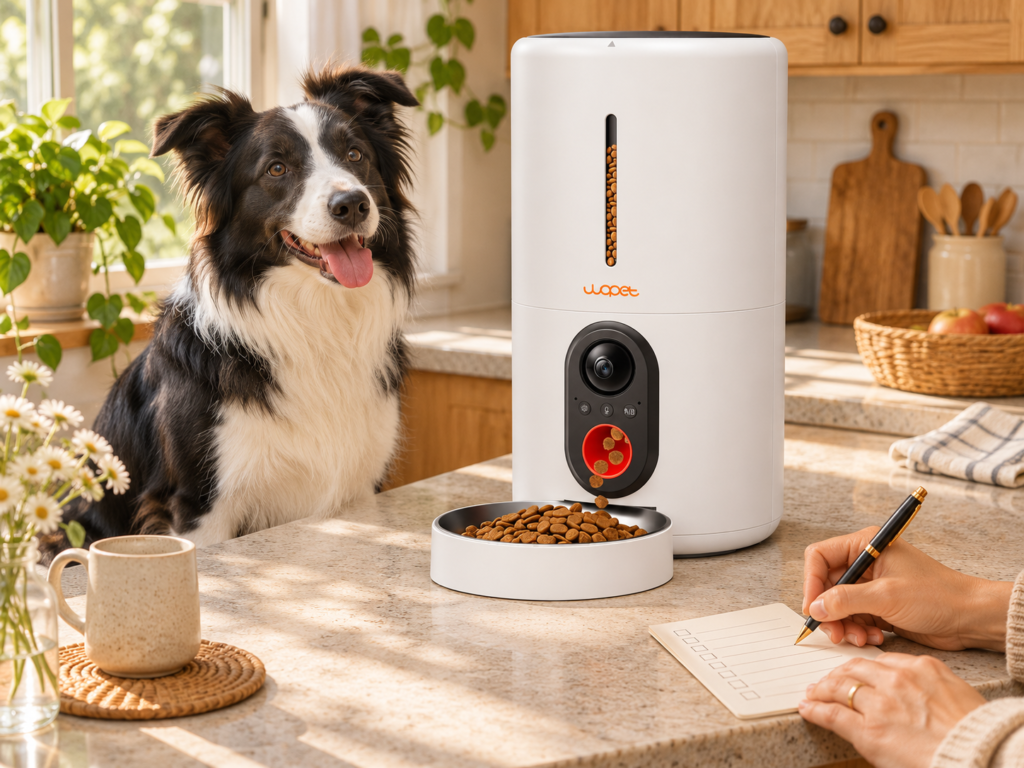
A short kitchen note can say: ‘Breakfast dispensed at 7:00; check bowl; refill below marked line.’ This is especially helpful when multiple people care for the dog. Decide what to do if the dog leaves food behind, if the feeder is empty, or if the app shows an error. Avoid making an unrecorded extra meal because no one knows what happened. A shared note or household calendar is often more dependable than relying on memory.
Use placement and observation to support the routine
Put the feeder on a flat, easy-to-clean surface where the dog can eat without being crowded. Watch the dog use it for several days. Confirm that the dog approaches comfortably, that the bowl is not pushed away, and that the feeder is not accessible to another pet. A camera can provide limited visibility, but it does not prove how much food was eaten. If you see a change in appetite, discuss it with a veterinarian rather than simply changing the schedule.
Choose features that solve your actual routine problem
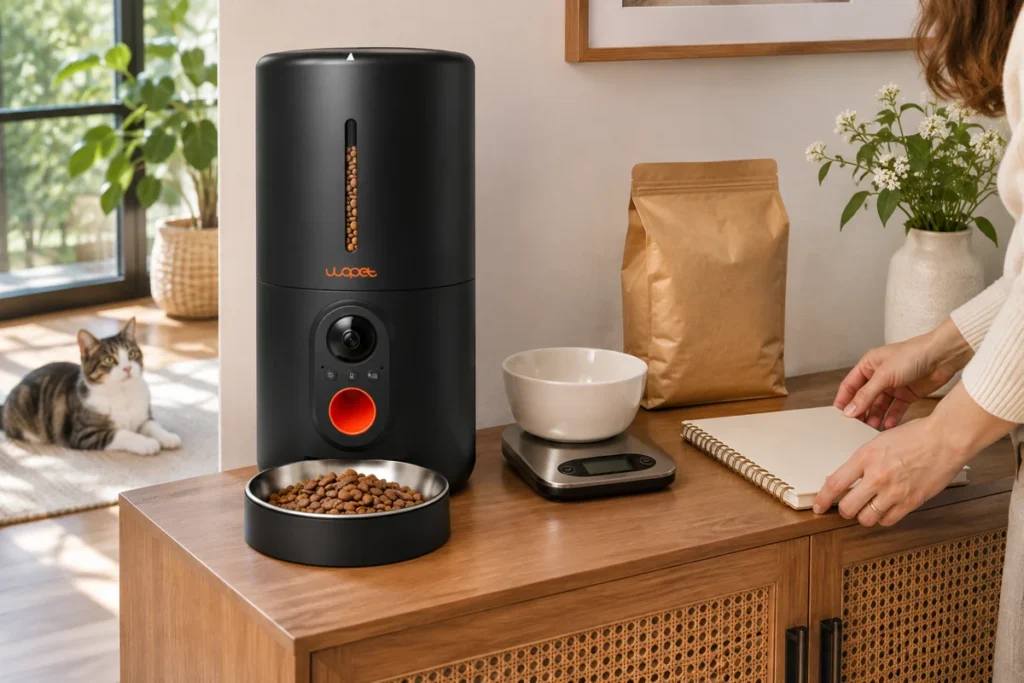
If the challenge is early breakfast, reliable timing may matter more than a camera. If you want to check the feeding area remotely, a camera-enabled model may be useful, provided you understand its network limits. Compare the HV10P and F07 Pro against portions, capacity, cleaning, and connectivity. Read the manuals and our routine-based feeder guide before setup.
Create a backup for unusual days
Routines are most useful when there is a plan for exceptions. Decide what happens if the feeder is empty, the power is out, the app is offline, or the dog does not approach the bowl. Keep the manual accessible and show another household member how to serve the normal portion by hand. When a schedule changes for travel or a late workday, record who is covering each meal so the feeder and person do not both dispense the same one.
Watch the dog, not just the schedule history
A programmed event is not the same as a successful meal. Watch whether the dog approaches, eats comfortably, and leaves the area normally. A camera or app can help with limited observation, but a bowl can be obstructed and another pet may take food. If the dog repeatedly leaves meals, eats much more slowly than usual, or has a notable appetite change, talk with a veterinarian instead of continually adjusting the schedule.
Revisit the plan after household changes
A move, change in work hours, new pet, new food, medication, or altered exercise routine can make the old schedule less practical. Recheck meal times and portion output after these changes. If food is switched, test the new kibble in the feeder because its shape and density may change serving weight. Keep the old food and new food transition consistent with the food manufacturer or veterinary advice.
Turn the routine into a simple record
A small log with date, meal times, measured amount, food type, and notes about appetite is enough for most households. It can help distinguish a missed refill from a change in behavior. If you share care duties, keep the log where everyone can find it. The goal is not to monitor every bite obsessively; it is to create a clear record when a routine needs adjustment.
A routine that works on weekends too
A schedule that only works on workdays can lead to long gaps or duplicate meals on weekends. Compare the weekday and weekend routine and decide whether the feeder should keep one stable schedule or whether you need to adjust it intentionally. If your app supports multiple schedules, label them clearly and verify which one is active. Do not create a second schedule without checking the first. When the family travels or a sitter takes over, leave written instructions and ask the sitter to confirm the bowl and feeder rather than relying only on app notifications.
When the routine stops working
It is normal to revisit a routine rather than defend it because it was convenient once. If the dog’s body condition, food, activity, or household schedule changes, review the plan and ask whether portions or timings need adjustment. Keep changes traceable: alter one thing at a time and note when it changed. This makes it easier to see whether the dog responds differently and avoids a confusing collection of overlapping schedule edits.
Agree on meal times first, then write down who checks the bowl on mornings when your household routine changes. See how to divide a dog’s daily food across scheduled meals.