Start with the dog, not the feeder
Start with the amount your dog eats over a day. Work out how to divide that ration across meals before setting the feeder’s schedule.
Turn a daily ration into measurable servings
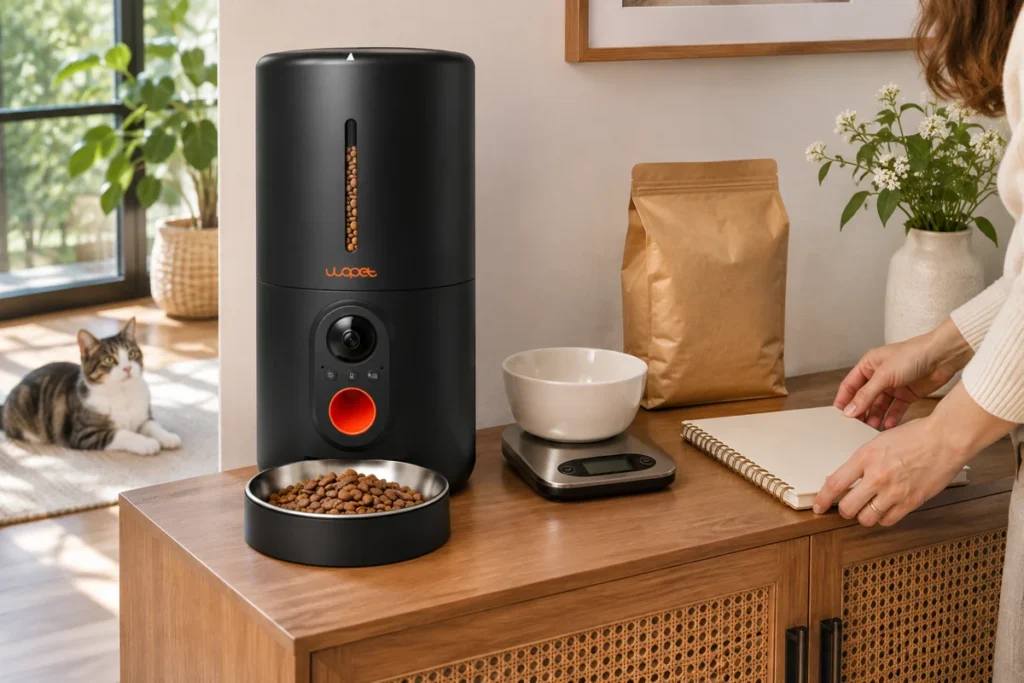
Read the feeding directions on the specific food package and treat them as a starting point, not a personalized prescription. Measure the whole day’s ration before splitting it among meals. If the food is changed, do not assume the same cup volume contains the same calories. A kitchen scale helps make the comparison repeatable. Dispense multiple test portions from the feeder, weigh each one, and calculate the daily total. If the output varies, keep the setting conservative and check compatibility and the manual before relying on it.
Build a schedule the household can sustain
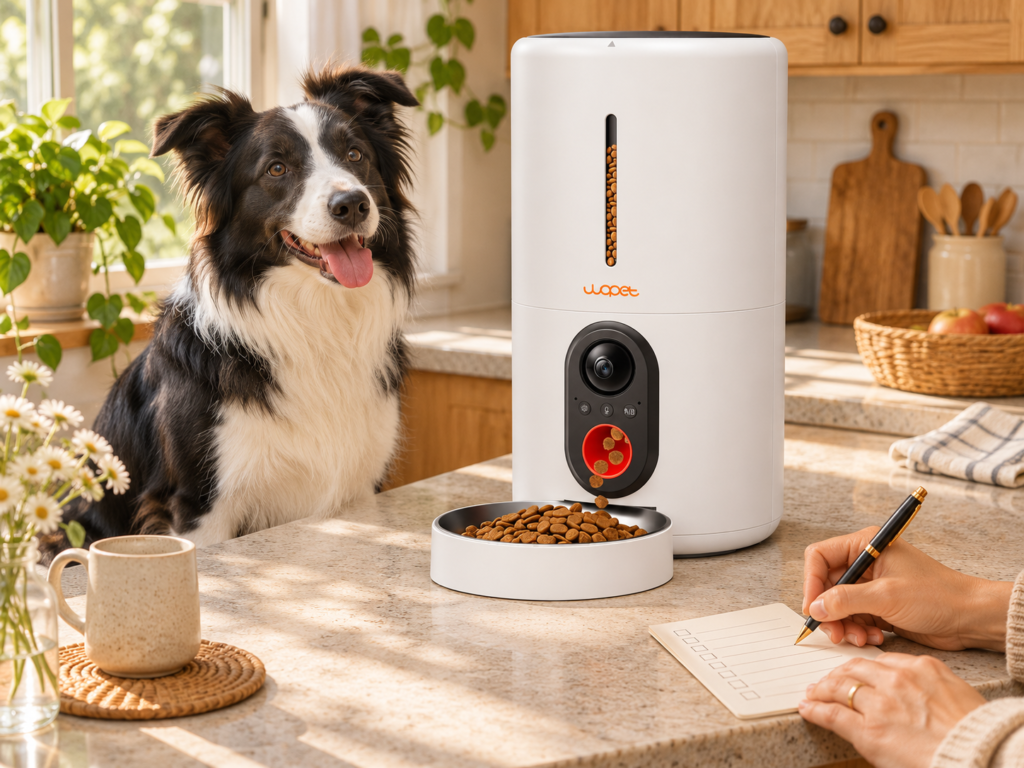
Choose meal times that work on ordinary weekdays and weekends. Large shifts between workdays and days off can make the routine harder to maintain, so select times that fit the dog and the people who refill the feeder. Make a simple note showing the time and portion for each meal. In a shared household, record who will check the hopper and bowl. This avoids a common problem: one person giving an extra meal because they did not know a scheduled portion had already been served.
Account for puppies and changing needs
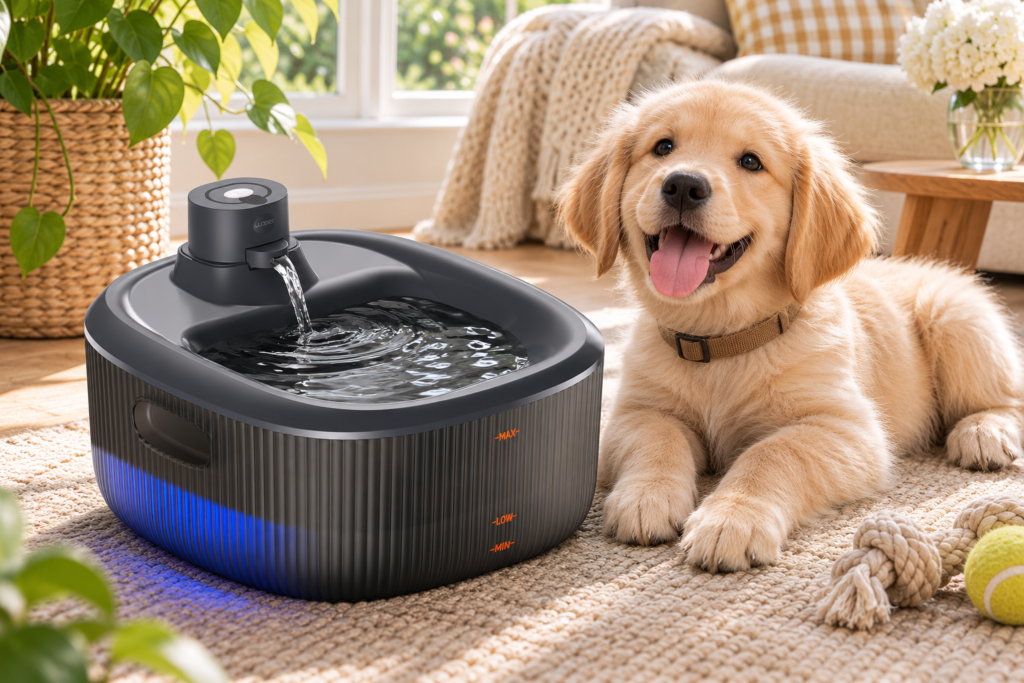
Puppies commonly need more frequent meals than adult dogs, but the appropriate schedule changes with age and size. Follow your veterinarian’s guidance and a reliable puppy feeding reference such as the AKC puppy feeding fundamentals. Revisit the plan as the puppy grows rather than keeping old settings indefinitely. For a senior dog, a dog taking medication, or a dog whose appetite changes, ask the veterinary team whether the existing meal pattern should continue.
Calibrate before you leave the feeder unattended
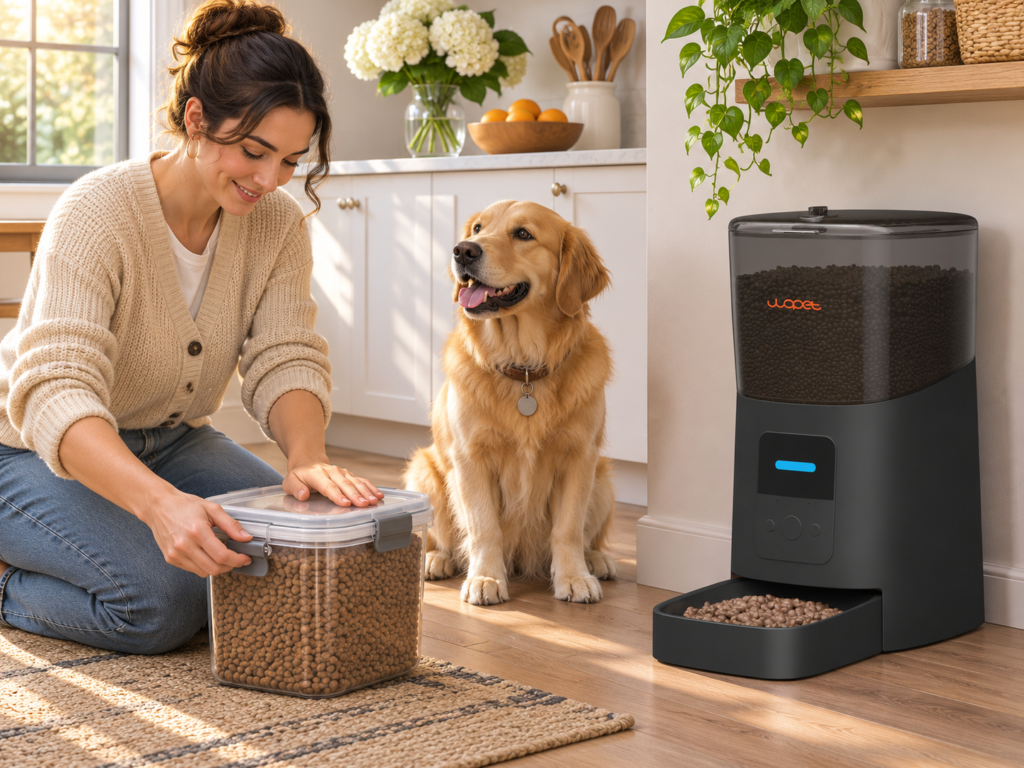
Use the food your dog actually eats. Fill the hopper as directed, run several portions into a bowl, and note both the average weight and how much servings vary. Then watch at least one scheduled cycle at the feeder’s final location. Confirm the bowl catches the food and another pet cannot intercept it. Repeat the test after changing kibble, cleaning, or moving the unit, because flow through the mechanism may differ.
Where an automatic feeder fits—and where it does not
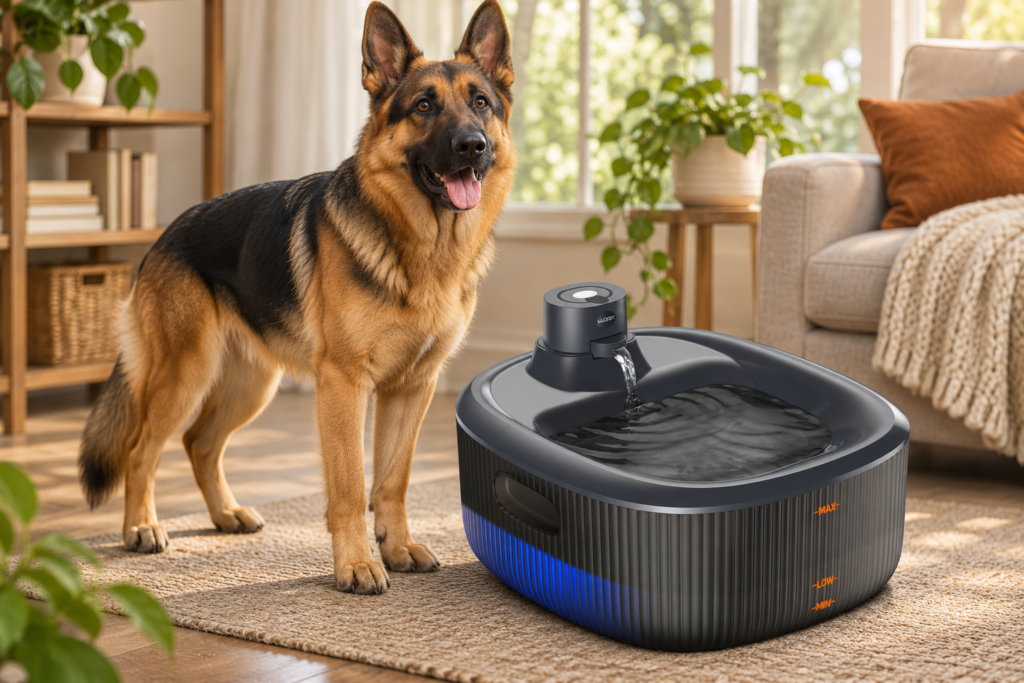
A timed feeder can help carry out a measured schedule when morning routines vary or a household member is away briefly. It cannot determine the correct ration, respond to illness, or tell with certainty that the dog ate. Keep fresh water available and arrange a person to check on the dog when care needs extend beyond dispensing food. For product specifics, compare the WOPET HV10P and F07 Pro, then consult the relevant manual for controls and food fit.
Questions to settle before programming
Ask: What is the veterinarian-approved daily amount? How many meals fit that plan? Has the specific kibble been weighed through this feeder? What happens if power or Wi-Fi drops? Who will refill and inspect it? If you cannot answer the last two questions, use the feeder only while someone is available to check it. For a wider set of product-selection questions, see How to Choose an Automatic Dog Feeder for Your Routine.
A sample day as a planning exercise
Imagine the dog’s approved daily ration is divided into breakfast and dinner. The feeder can dispense the breakfast portion before the household wakes and another portion later, but the total remains the same as the planned ration. If a third meal is recommended, the same daily amount can be divided into three measured servings. This example is about arithmetic, not a recommendation for a particular dog. The actual amount and timing should come from the dog’s feeding plan. Write servings in grams or another consistent unit, then map the feeder’s settings to that measurement.
How to change a schedule without confusing the dog
When shifting a meal time, move it in manageable steps and keep the daily amount consistent. Observe whether the dog waits comfortably, eats normally, and maintains the usual energy and bathroom routine. A feeder makes precise timing possible, but you can still use a mixed transition: keep one meal hand-fed while you confirm the programmed one. If the dog has a medication schedule or condition affected by meal timing, let the veterinary team direct any change rather than experimenting.
Common scheduling mistakes to avoid
Avoid programming servings before translating the daily ration into the machine’s actual output. Avoid assuming the camera proves a meal was eaten. Do not set multiple meals at the same time as a test unless you are supervising, and do not rely on a new feeder on the first day of a trip. A brief written log of date, food, serving weight, and setting helps you see whether a change is caused by the food or the device.
A quick decision checklist
Before finalizing the plan, confirm that the feeding schedule is appropriate for the dog, the daily amount is measured, the feeder portion has been weighed, and the food is compatible. Check bowl access, power and Wi-Fi expectations, refill frequency, and who will inspect the setup. A feeder is a tool for consistency; a person remains responsible for noticing changes in appetite and keeping the dog’s routine appropriate.
Putting the plan into practice
A simple way to start is to write the full daily ration at the top of a page, then list each meal and its share. Next, dispense the feeder’s chosen serving into a container several times and record the actual weights. If the programmed serving is a fraction of a cup, don’t assume it equals a particular weight; food density varies. A clear note can say ‘breakfast: feeder setting X, checked at Y grams’ and be updated whenever the food or settings change. Keep that record near the feeder so a helper can follow the same plan.
Once the portions are set, write down who handles the morning and evening meals, including weekends. Use the dog feeding routine checklist to make the handoff easier.