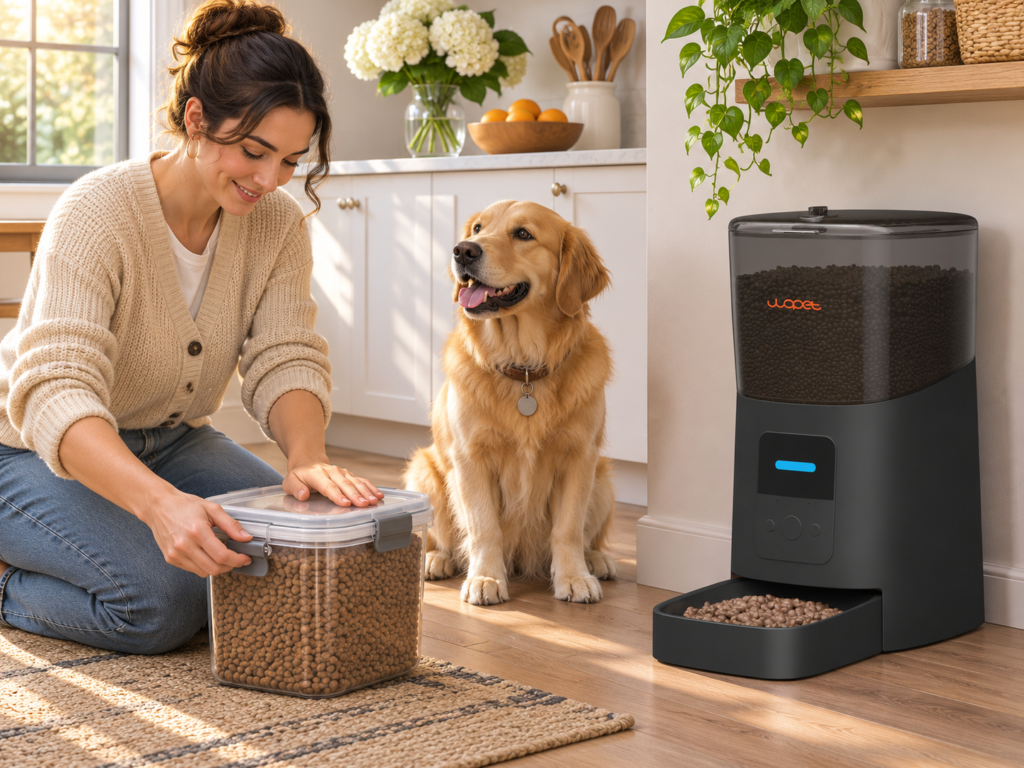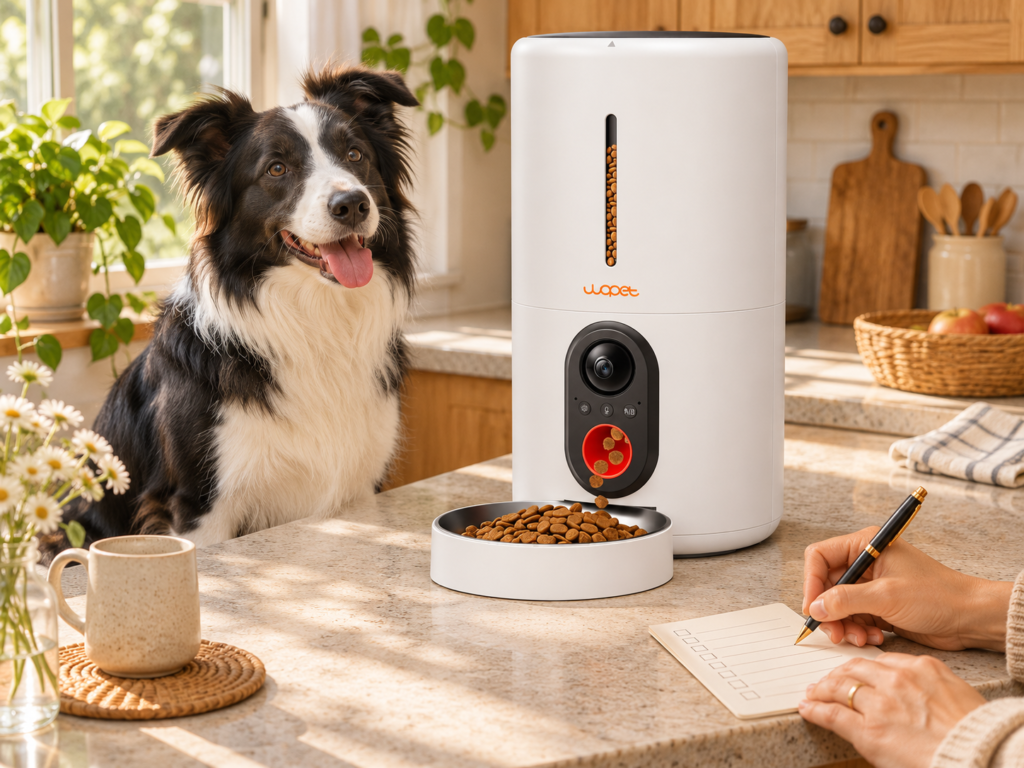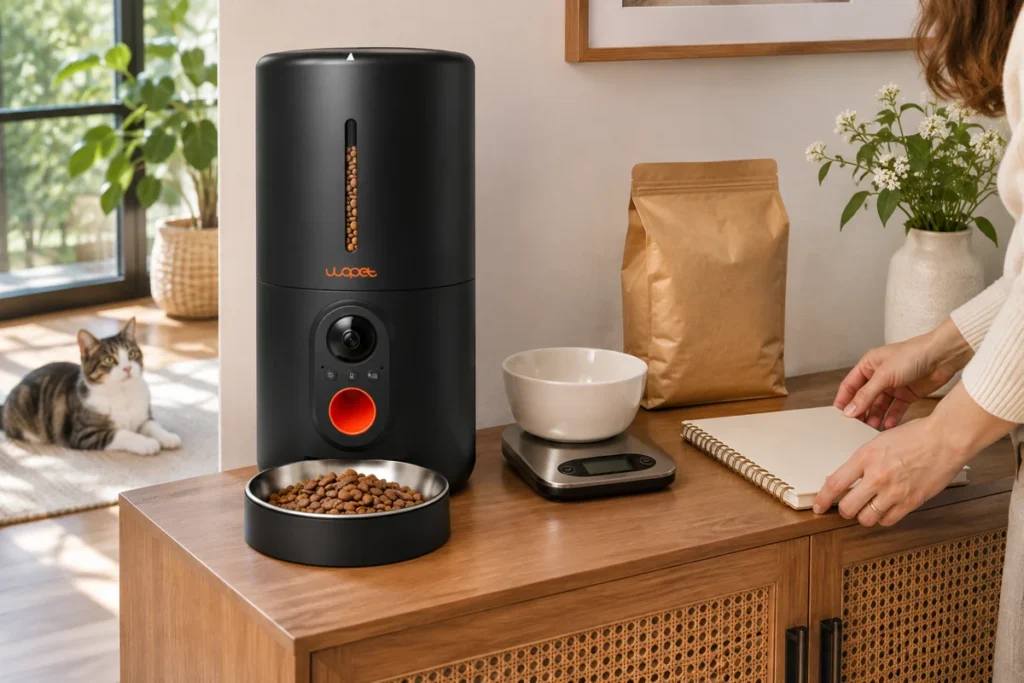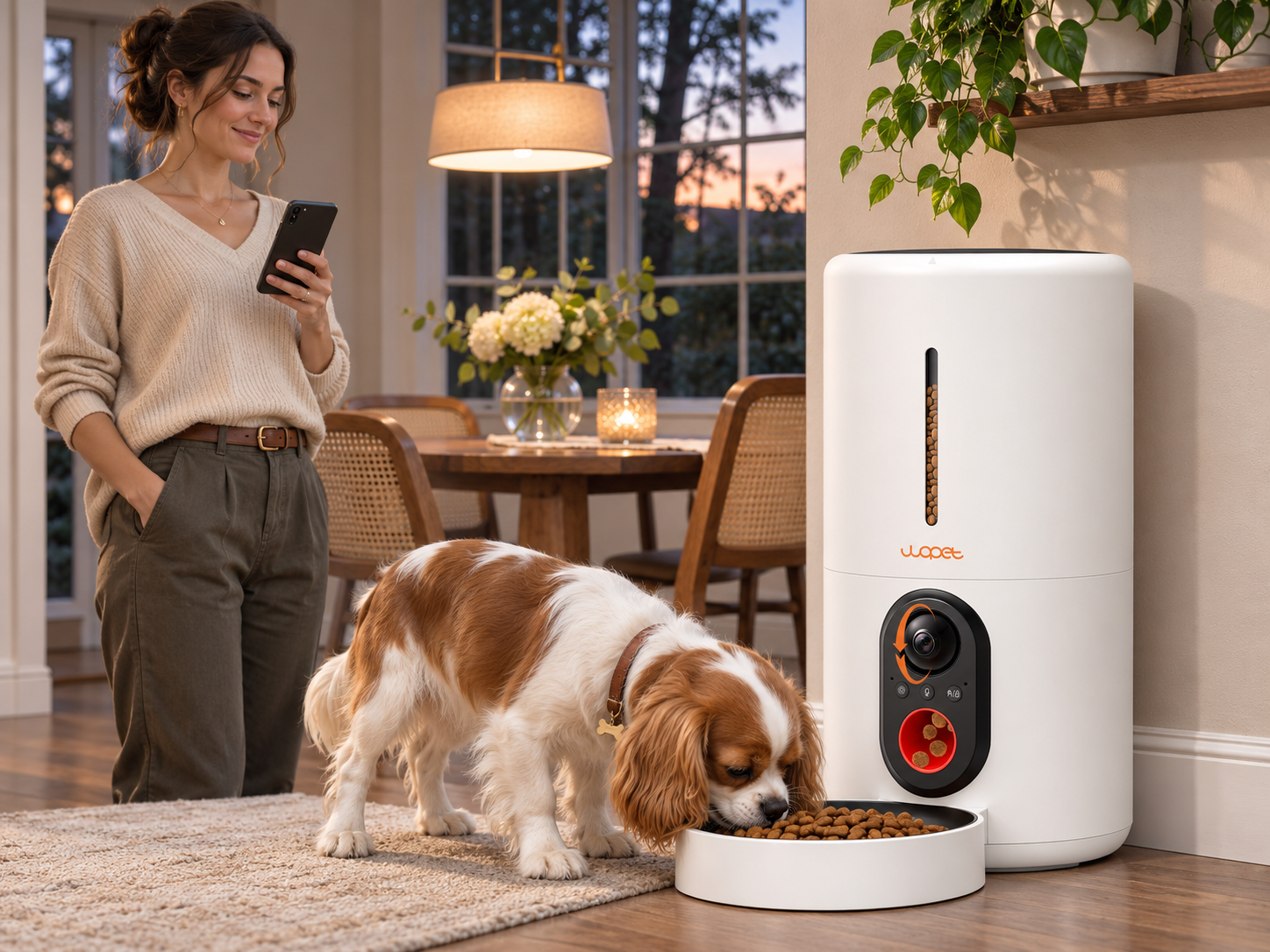

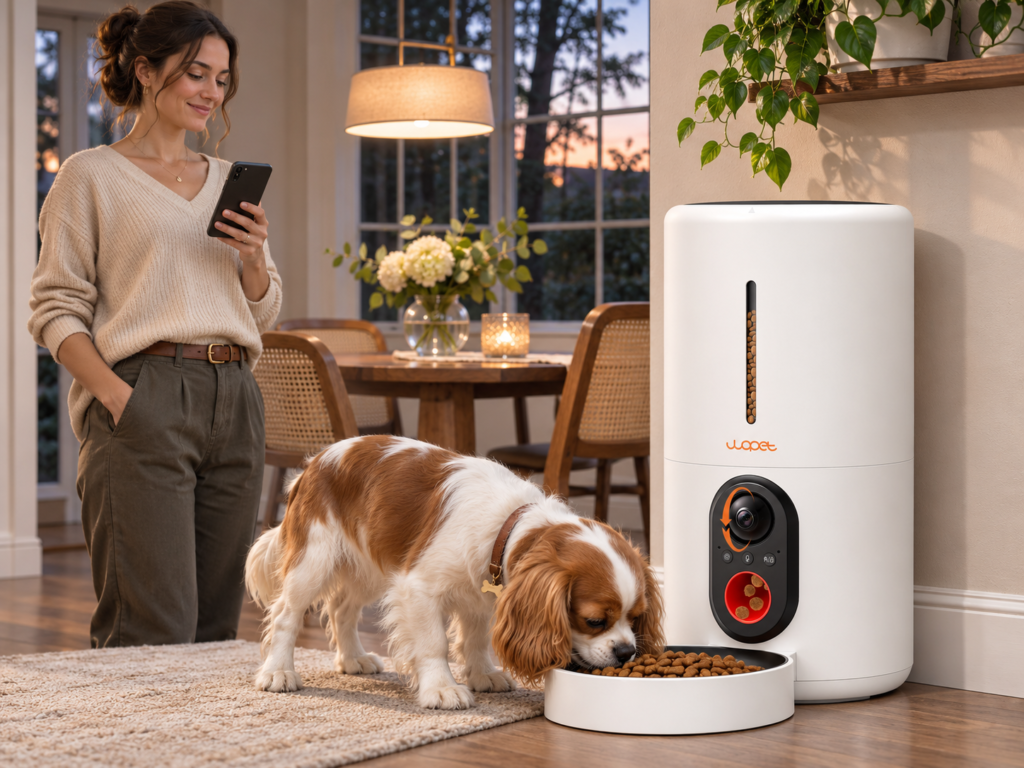
Check what the camera shows at mealtime. Look for a clear view of the bowl and the dog’s approach, especially in the light you normally leave on.
Check whether the bowl is actually visible
Look at the camera’s angle and placement rather than relying on a sample image. The bowl should be visible when the dog approaches, and a wall, counter edge, sunlight, or reflective surface should not block the view. Think about the dog’s height and whether the camera looks down on the entire dish or only part of it. If the feeder sits in a corner, the dog may stand outside the camera’s view while eating. Test the angle in the intended location before deciding that the camera will answer the questions you care about.
Be realistic about what video can prove
A camera may show the dog approaching or food landing in a bowl. It cannot reliably confirm how much the dog swallowed, whether another pet ate some, or whether the dog feels well. A dog may carry kibble away or eat outside the frame. Treat the camera as a limited check that can prompt a follow-up, not a substitute for someone physically checking on the dog. If a dog has a medical or behavioral need for close observation, ask the veterinarian what kind of supervision is appropriate.
Test night visibility and alerts
If the household schedule means meals happen in low light, check how the camera handles night mode and whether the bowl remains clear. Alerts also need testing: verify phone permissions, app notifications, and whether the alert appears when the phone is locked. Try the system while at home instead of assuming it will notify you during travel. Keep in mind that motion alerts can be triggered by movement unrelated to eating, and a missed notification does not necessarily mean the feeder failed.
Review Wi-Fi, account, and privacy details
Connected cameras depend on a working network for remote viewing. Confirm supported Wi-Fi bands and pairing steps in the manual. Check whether the app requires an account, what permissions it asks for, and how to change the default password. Place the camera so it covers the feeding area without unnecessarily recording private household spaces. If the router or internet connection goes down, understand which feeder functions remain available locally; do not assume remote app features and scheduled dispensing share the same behavior.
Judge the feeder before the camera extras
Portion accuracy, kibble compatibility, bowl stability, refill frequency, and cleaning are more fundamental than video resolution. Measure several portions using the dog’s regular food and watch scheduled dispensing. Compare the product’s usable capacity with the dog’s actual daily ration, not a marketing estimate. Make sure parts that touch food can be cleaned according to the manual. If the dog eats from a separate bowl or needs an individual feeding area, plan how the camera feeder will work in that setting.
Compare WOPET models to the monitoring need
The WOPET HV10P is the camera-oriented model to examine for connected monitoring. Compare its current product details and manual with the F07 Pro if camera viewing is not essential. Check setup steps in the Wi-Fi connection guide. Choose the feature set that solves a real routine challenge rather than buying a camera simply because it is available.
A sensible way to test before relying on it
Install the app, position the unit, and watch several normal meals at home. Confirm the video shows the dog and bowl, the food dispenses, and alerts arrive as expected. Then test the feeder’s operation if the network is unavailable according to the manual. Keep a human backup plan for absences; the camera cannot refill food or respond to an emergency. For a broader comparison of capacity, schedule, and food fit, see How to Choose an Automatic Dog Feeder for Your Routine.
Questions worth asking before purchase
Before ordering, ask yourself whether you need a camera view or a full-time caretaker. Check what happens when the camera is offline, whether the app stores clips or only provides a live view, and how privacy controls work. Verify the camera’s field of view from the height where the feeder will sit. Review the return policy and support channels in case setup does not work with your router. A specific, written answer from the maker is more useful than relying on a generic product category description.
A note about household privacy
A camera pointed at the feeding station may capture people passing through the room. Choose an angle that focuses on the bowl and limits unnecessary coverage. Use account security features, keep the app updated, and avoid sharing login details broadly. If multiple family members need access, use the app’s supported sharing method rather than one common password. Think through the camera’s purpose before installation and disable it when you do not want monitoring.
A concise buyer decision
A camera feeder makes sense when you value remote visibility and will check the feed often enough to make it useful. It is a weaker fit if your main need is only scheduled portions or if the intended placement has poor Wi-Fi. In either case, consistent dispensing, easy cleaning, and a dog-friendly bowl position should lead the decision. Compare product details and the model manual, then test all key functions while you can still supervise meals.
What to do if the camera feed is unclear
First clean the camera lens with the method recommended by the manufacturer and check for glare or a light source behind the dog. Adjust the angle so the dish and approach path remain visible. If the image freezes, check the network and app status before resetting the feeder. Confirm that the feeder’s dispensing schedule remains set while you troubleshoot the video. A camera fault and a dispensing fault are not necessarily the same issue.
Before buying, ask one useful question
Ask what decision the camera is meant to support. If you want to know whether the dog appears near the bowl, a live view may help. If you need to verify exactly how much the dog ate or keep a medical watch, a feeder camera cannot provide that level of assurance. Being specific about the question prevents paying for video that does not solve the concern.
For the feeding decision behind the camera feature, the American Kennel Club’s guide to how much to feed a dog is a general starting point; confirm an individual dog’s plan with its veterinarian.