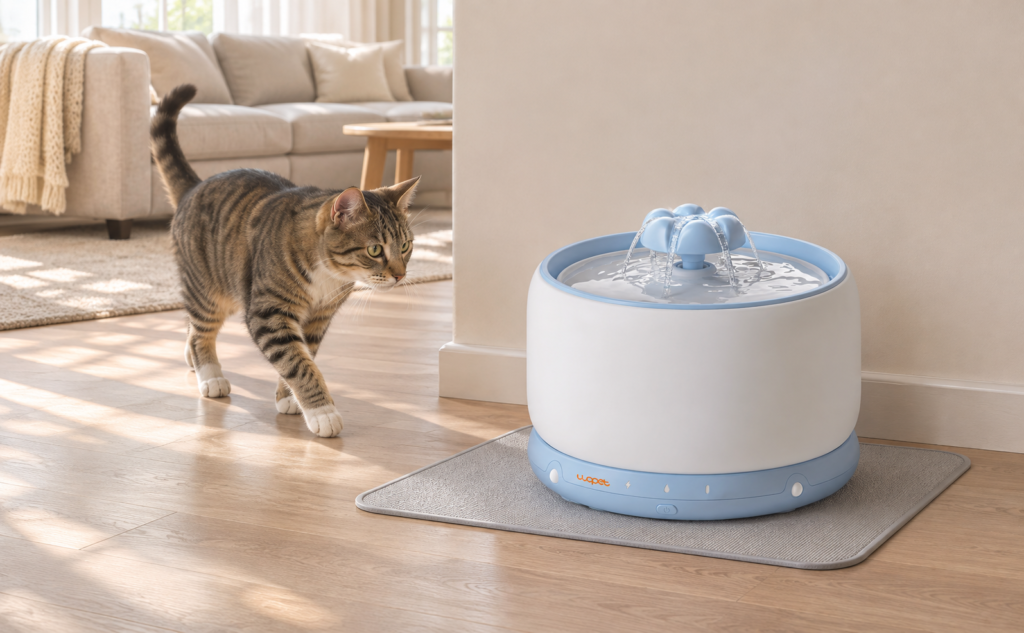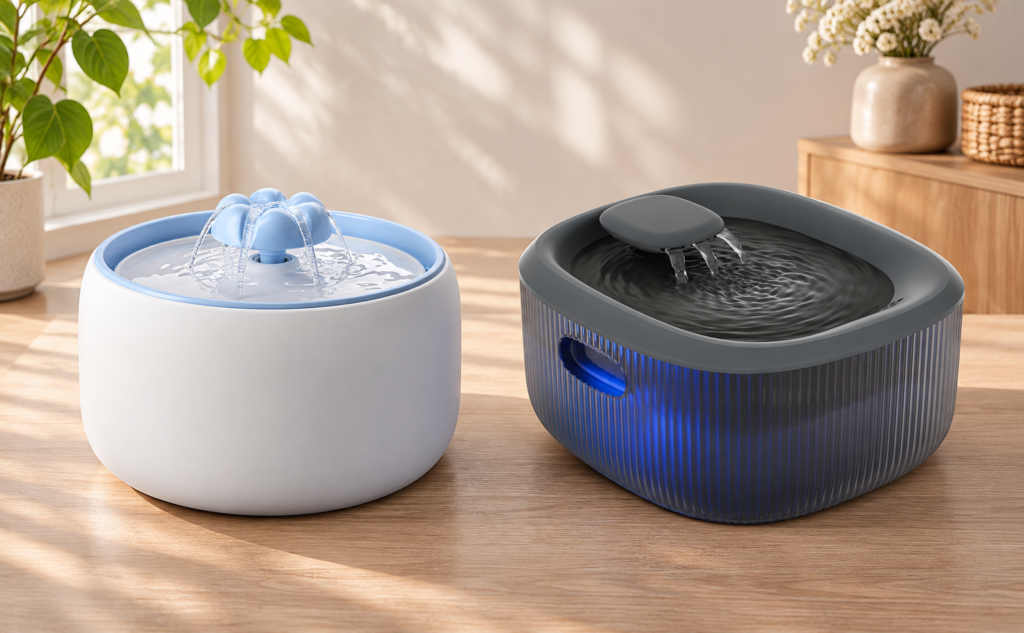

If a pet fountain stops flowing, provide another bowl of fresh water first. Then check the intended operating mode, power, water level and assembly before investigating the water path. Turn the fountain off and disconnect external power before opening or adjusting parts.
A stopped stream does not always mean the same fault. Some models pause by design, while others need attention. Work from the simplest observable checks instead of immediately ordering a replacement pump.
Confirm what normal operation looks like
Find the exact model and read its operating-mode description. If it uses timed or triggered flow, observe it under the conditions the manual describes. Do not interpret a normal pause as proof of a failed motor.
Write down what happens: no indicator, indicator but no movement, weak stream, intermittent flow or a new noise. Include when it began and whether it followed charging, cleaning, moving or replacing a filter. Those details narrow the next check.
| Symptom | First check |
|---|---|
| No visible activity | Intended mode and power status |
| Weak flow | Water level and correct assembly |
| Problem after cleaning | Part orientation and seating |
| Electrical damage signs | Stop use and contact support |
Check power without handling wet connections
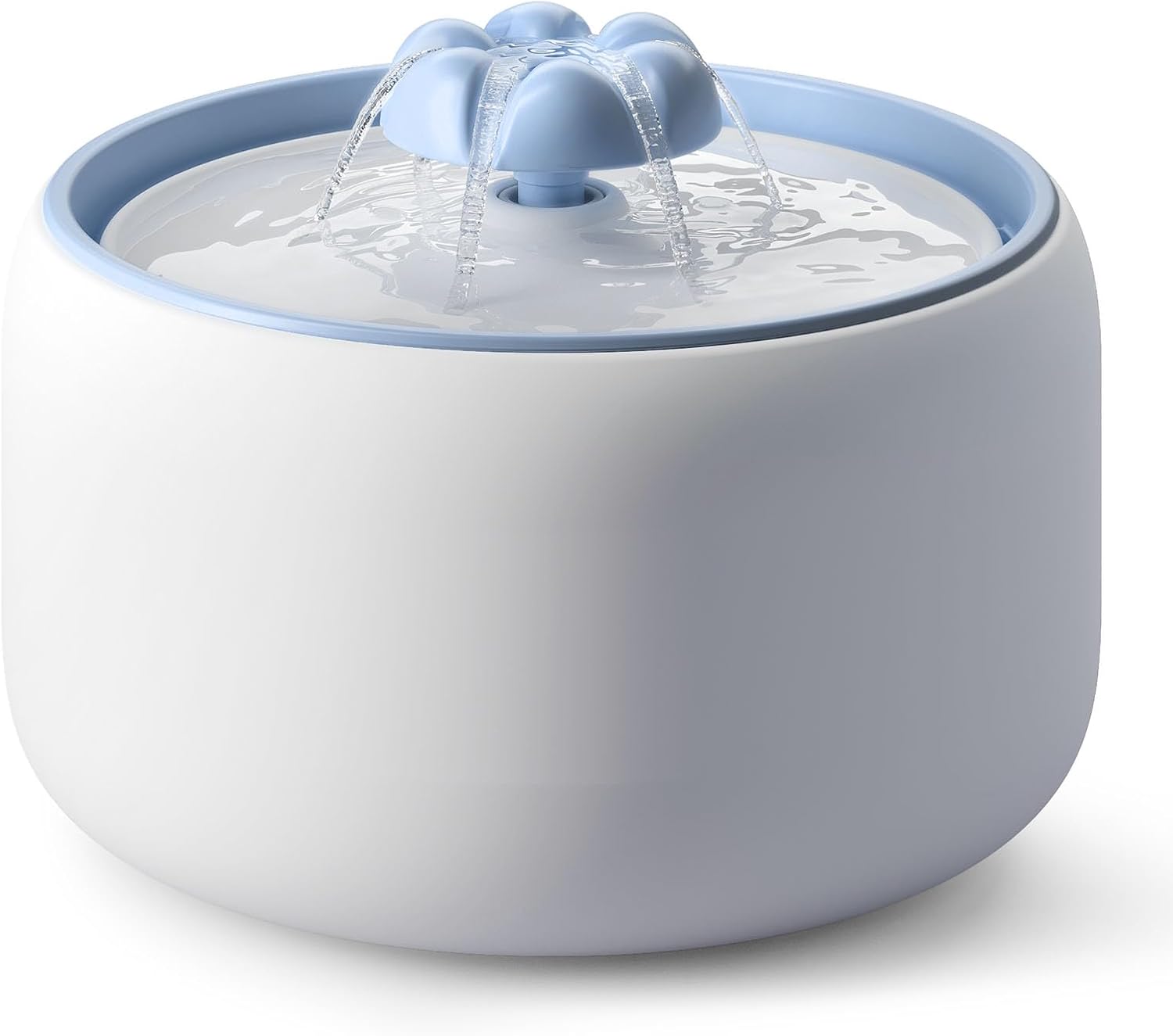
For a wired model, check the permitted adapter and the visible cable connections with dry hands and a dry surrounding area. For a battery model, check charge status and the correct placement on any base, following the manual. Do not substitute an adapter simply because its plug seems to fit.
If a cord is damaged, a connection is wet or the unit shows unusual heat, a burning smell or other signs of electrical damage, stop using it and contact support. Do not continue testing by repeatedly switching it on.
Check the water level and seating
Use the minimum and maximum marks specified for the fountain. An apparently wet reservoir can still be below the required operating level. Do not run the unit dry to find out whether it starts.
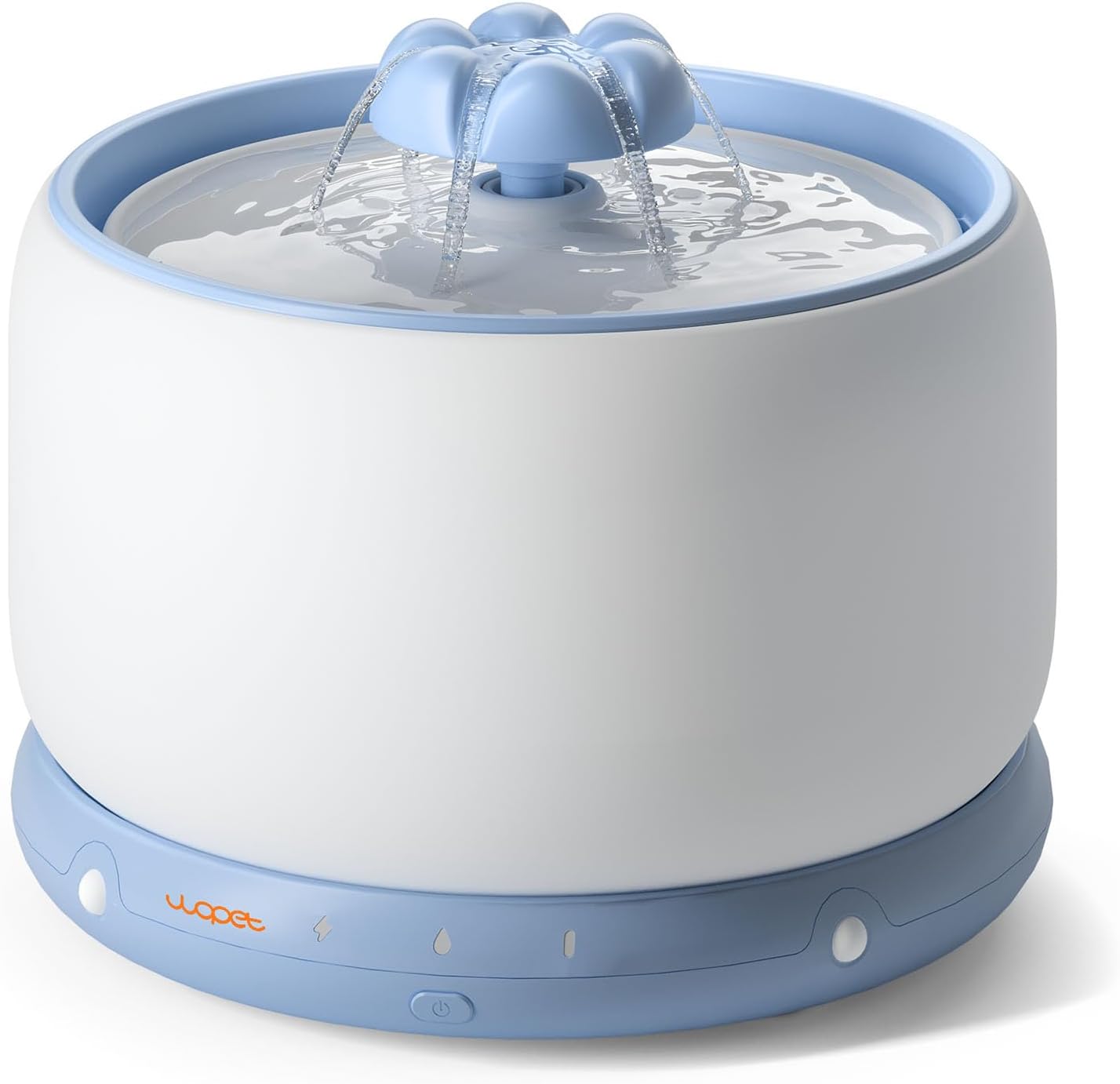
If the problem followed cleaning, compare the assembly with the diagram. Confirm the outlet, tray, filter holder and any user-removable seals are correctly seated. Do not press harder on a part whose orientation is uncertain.
Inspect the accessible water path
Switch off and disconnect external power before removing permitted components. Look for hair, visible debris, deposits or an incorrectly installed consumable in areas the manual describes. Use the approved cleaning method for those parts.
Only service a pump, impeller or drive component when the model’s instructions explicitly allow it. Fountain designs differ; a diagram for one model should not be used as permission to open a sealed part on another. The WOPET Help Center is the starting point for matching the model to its documentation.
Treat a filter change as a clue
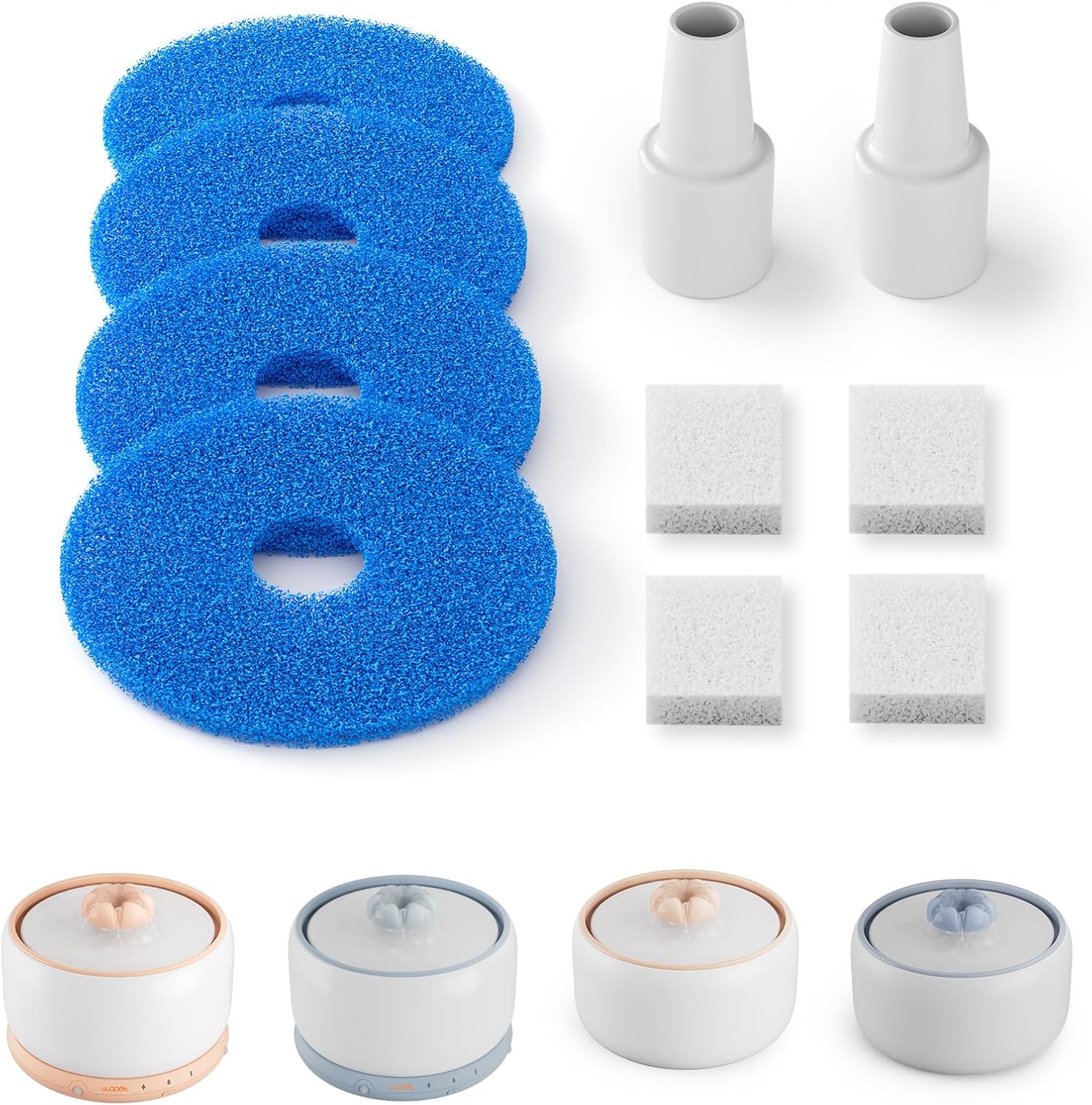
If flow weakened immediately after replacing a filter, confirm the cartridge is compatible, prepared as instructed and positioned correctly. Check that protective packaging was removed. Do not cut a cartridge or omit required parts to make it fit.
Avoid assuming the filter is the only cause. An outlet installed at the wrong angle can coincide with a filter replacement. Test the complete correct assembly, not an improvised configuration.
Restart once the checks are complete
Refill within the required range, reassemble as directed and dry any exterior surfaces that must stay dry. Restart using the model’s instructions and observe the unit. Note whether the symptom changed after the permitted adjustment.
If normal operation returns, record the likely cause and check the device again during routine care. If the fault returns, preserve the record for support rather than repeating the same unsuccessful reset.
Send support a useful description
Include the model, a photo of its label, a short video of the symptom and the checks you performed. State whether the problem happens in every supported operating mode or only one. Show the water level and assembly without exposing personal information in the video.
Use the manufacturer’s support center for model-specific help. Do not order parts by appearance alone; verify compatibility first.
For permitted cleaning tasks, follow the model-specific cleaning checklist.
For consumable compatibility and replacement intervals, use the filter replacement guide.
Common troubleshooting questions
The fountain flows, but the cat avoids it. That is a different problem from no flow. Check the guide to a cat suddenly avoiding its water fountain after confirming normal device operation.
Can I keep resetting it? A reset may be an instructed step, but repeated resets do not resolve damage, incorrect assembly or a blocked water path.
Does wireless mean maintenance free? No. Our wireless fountain feature guide includes the practical features to compare when service access matters. Keep the alternative water bowl available until the fountain is working reliably.
About this guide
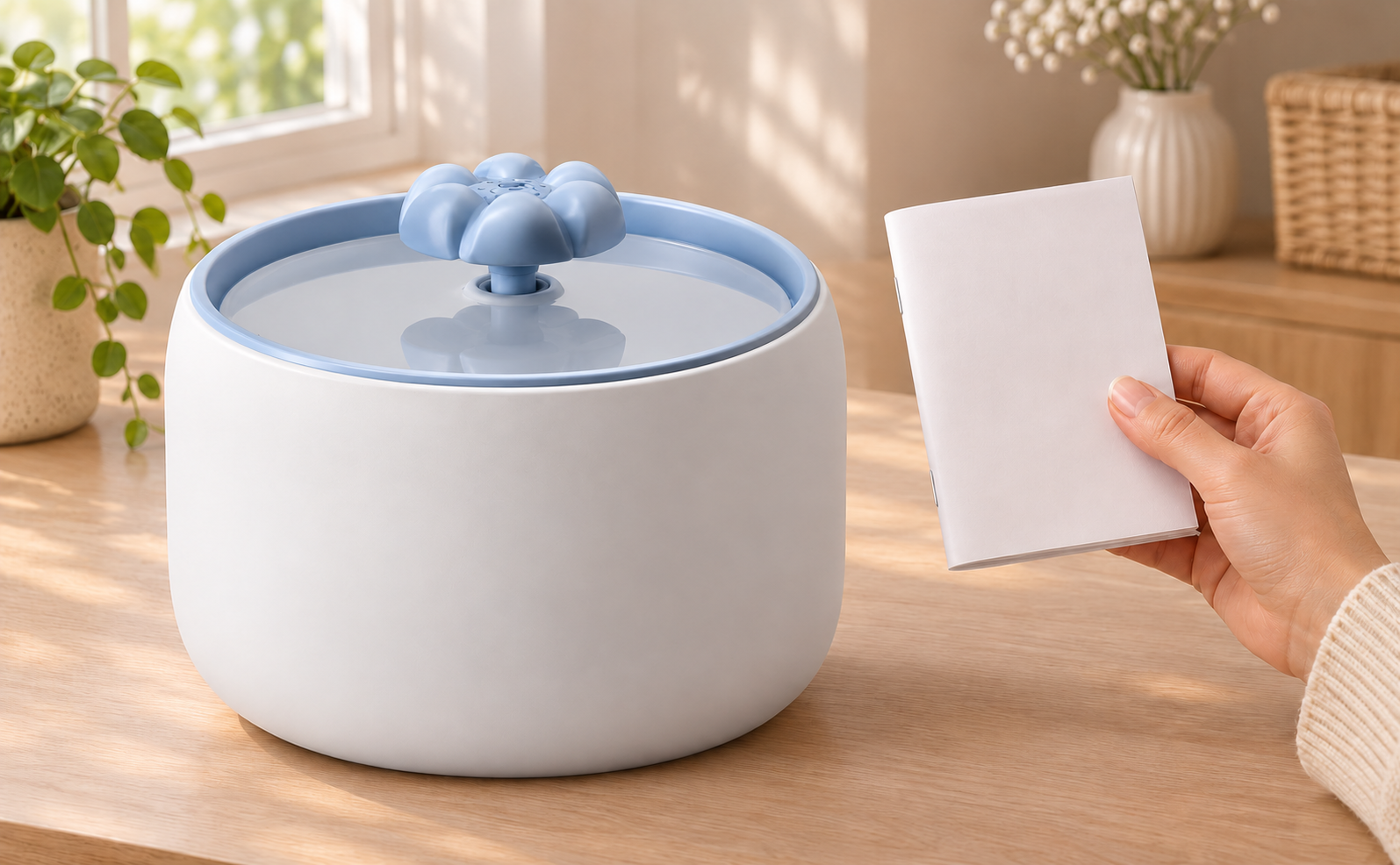
Prepared with AI assistance using the linked product and care resources. Product and replacement-part images are from the product catalog. Images identified as AI-generated are illustrative lifestyle scenes based on product reference photos. No hands-on performance testing is claimed.