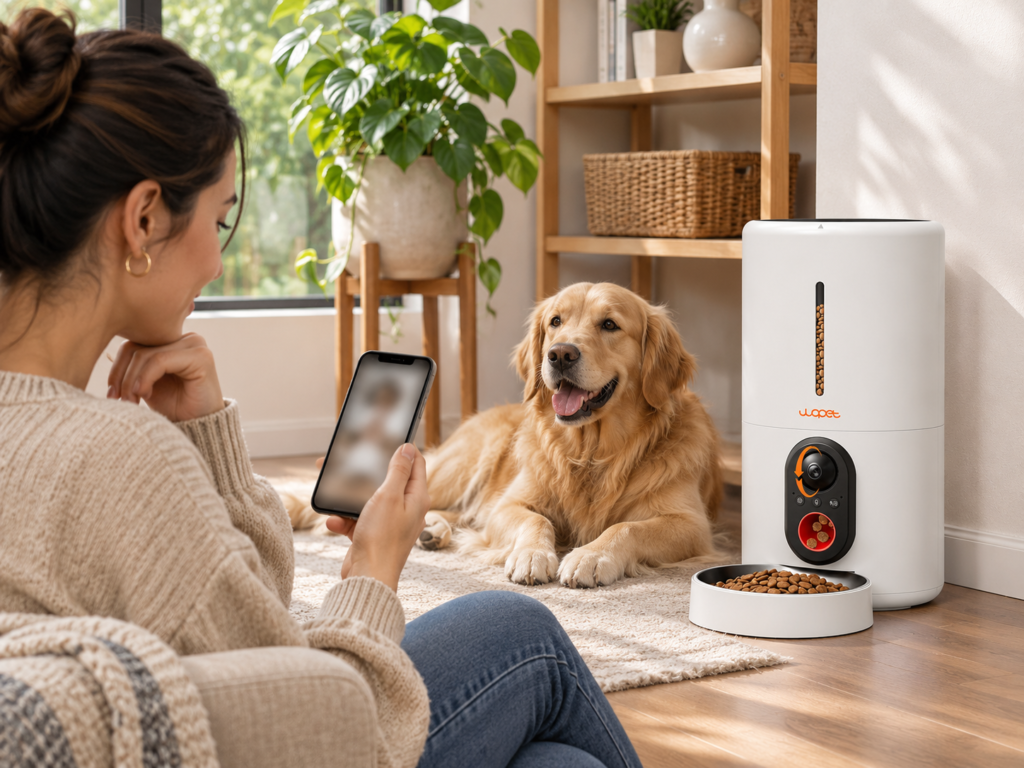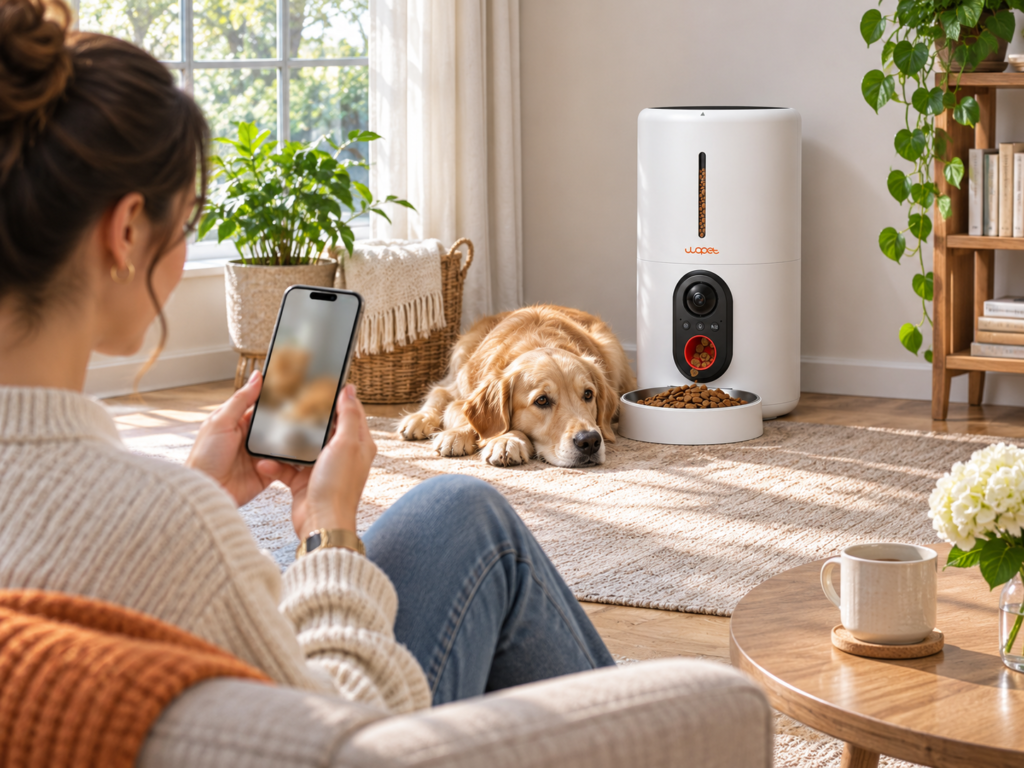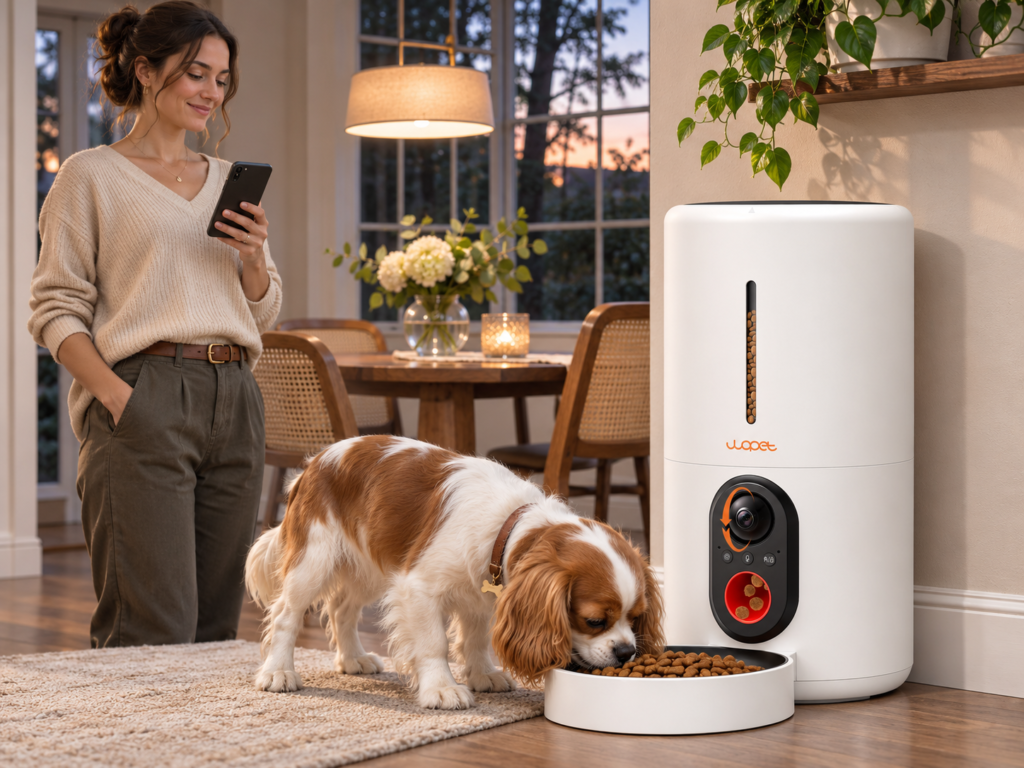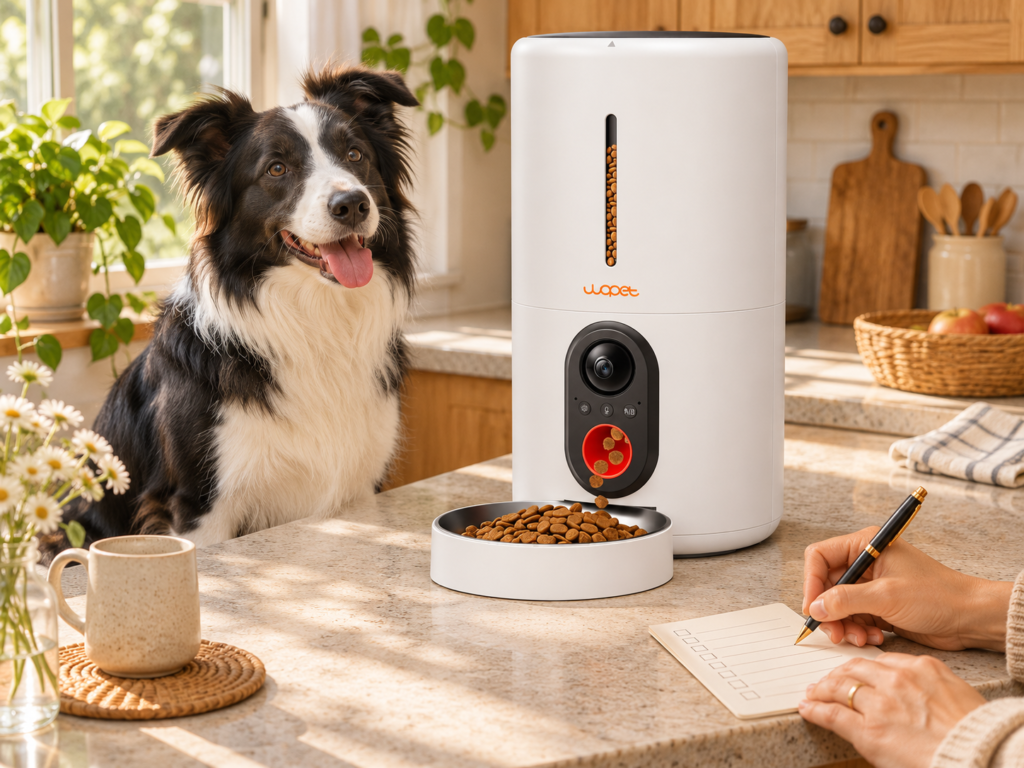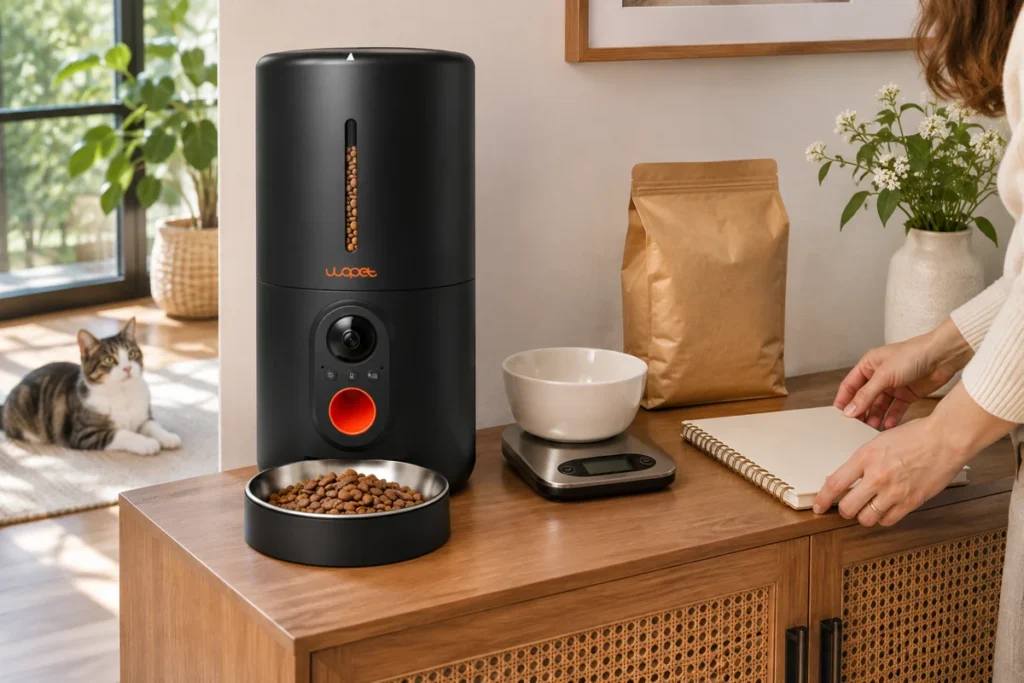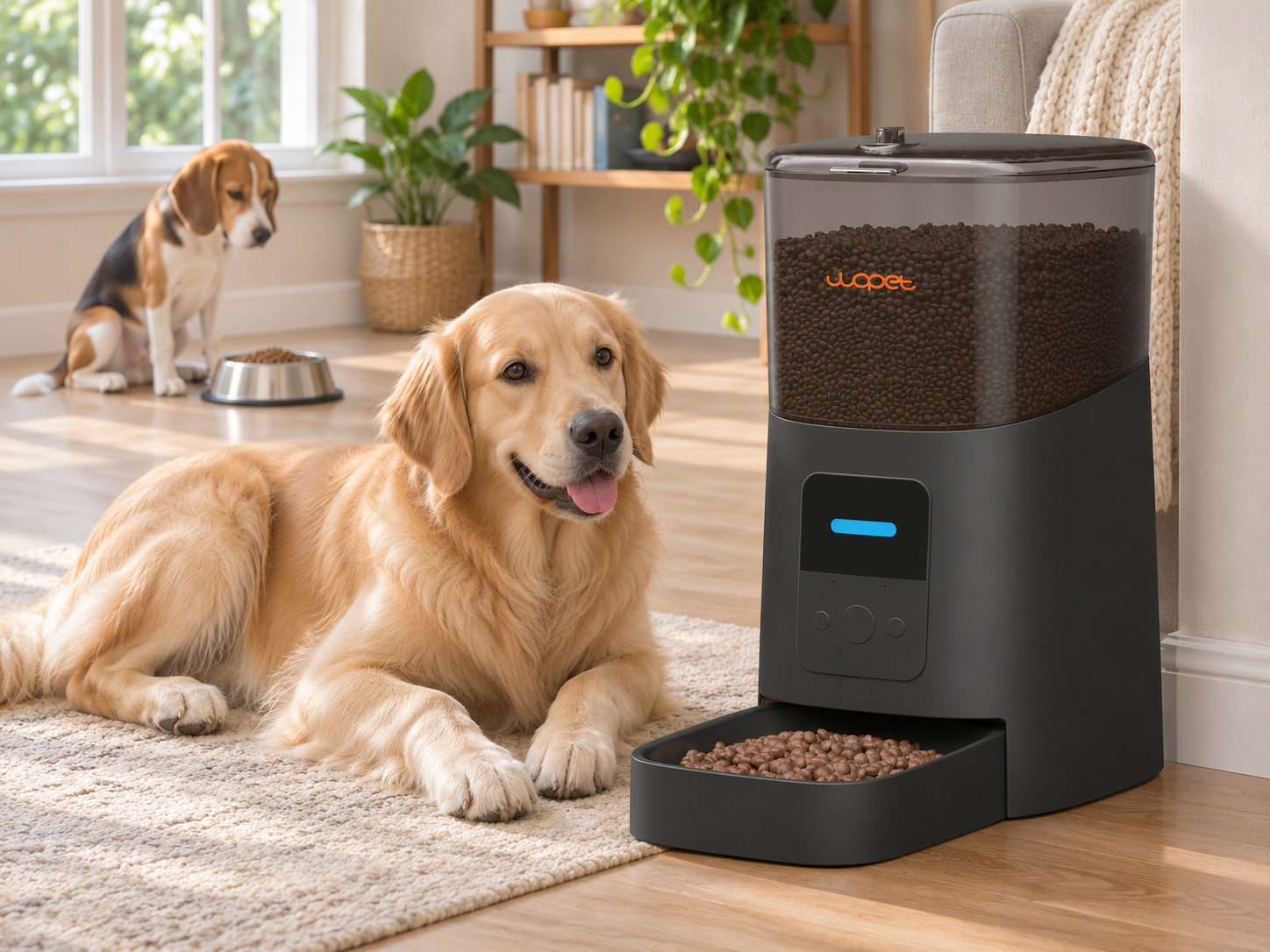

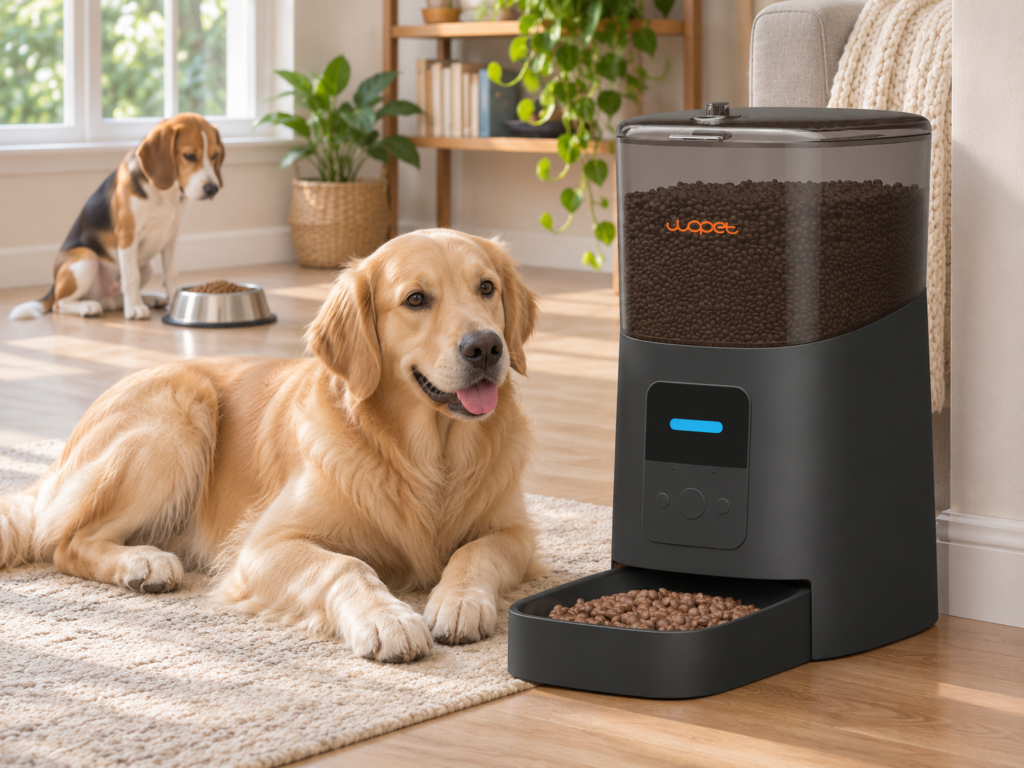
Try the feeder’s speaker while you’re still at home. Speak from another room and watch whether your dog approaches the bowl, ignores the sound or backs away.
Observe your dog’s reaction first
Try the speaker while you are in another room and watch the dog’s body language. Does the dog remain relaxed, approach the feeder calmly, or begin searching and vocalizing? Repeat briefly on a few occasions because a single response may not predict how the dog reacts when you are gone. Stop if the dog appears confused or distressed. A voice from a device is not automatically reassuring just because it is familiar.
Keep messages short and ordinary
If your dog responds calmly, a brief cue or greeting may be enough. Avoid repeatedly calling the dog to the feeder if the dog is not hungry or if the sound seems to create frustration. Don’t use audio to correct behavior or interrupt eating. The speaker is not a substitute for training, and remote commands may not be heard clearly over household noise.
Check speaker and microphone conditions
Listen from the feeder’s final position and test how the sound carries across the room. A speaker near a wall, appliance, or loud kitchen may be hard to hear. Confirm that the app connects reliably and that the microphone is enabled only as expected. Read product information and the manual to understand how audio functions, whether it is one-way or two-way, and what privacy settings apply.
Consider network and timing
Remote audio depends on the app and network in ways that can differ from local feeder operation. Test it on the home Wi-Fi and from a mobile connection before travel. If the connection drops, the voice feature may be unavailable even if a programmed meal still dispenses. Check WOPET’s connection help and the HV10P manual for current model-specific setup.
Decide whether audio solves a real need
For some owners, the point is a small moment of interaction. Others mainly want to confirm a meal was delivered, for which a visible bowl or app log may matter more. Think about whether you will use audio regularly or only because it appears on a feature list. Prioritize portion calibration, compatible kibble, cleaning, and a reliable routine before deciding that a speaker is worth paying for.
WOPET feature comparison
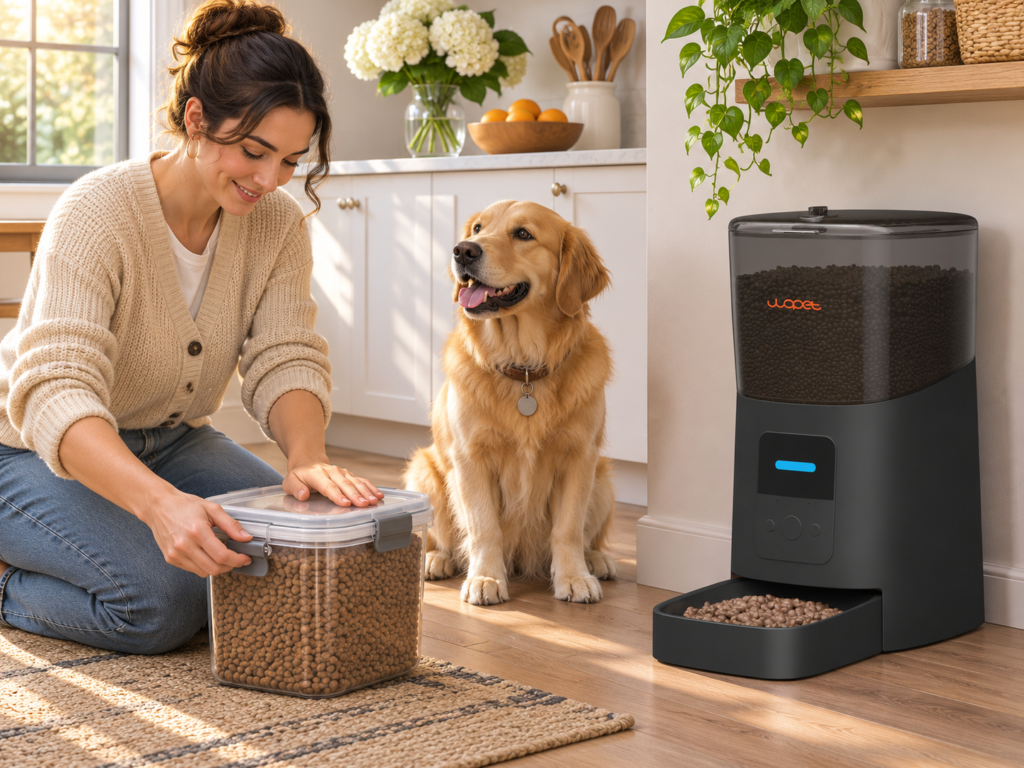
The WOPET HV10P is a connected model to review if monitoring and interaction features matter to you. Compare it with the F07 Pro based on the exact functions listed for each model. Read the manuals rather than assuming that similar names or photos mean identical controls.
A practical recommendation
Treat two-way audio as optional. Test your dog’s response at home, use calm brief messages if the dog is comfortable, and keep a person available for care needs the device cannot handle. If the feature makes the dog search or vocalize, turn it off. The feeder should fit the dog’s routine even when audio is unused. For a broader model choice, see our automatic feeder guide.
When audio can be counterproductive
Some dogs become more alert when a voice comes from an empty room. They may bark, pace, or search the house. Others may ignore the sound entirely. If audio seems to escalate excitement, stop using it; repeated calls can make the dog anticipate a person who does not arrive. For a dog with separation-related distress, ask a veterinarian or qualified behavior professional about a plan instead of using a feeder speaker as a treatment.
Test it in stages
Start with one short message while you are at home and observe the dog. Then try from another room with the normal household background noise. If the dog remains calm, test the app connection from outside the home while someone else can observe. These simple stages help distinguish the dog’s response from a technical issue. Keep the device volume low enough to be comfortable and make sure the message does not interrupt a meal.
Audio should not change the care plan
A voice message cannot let a dog outside, refill water, or recognize an emergency. It can be a small interaction for a dog who responds comfortably, but it is not supervision. Arrange a person to check the dog when needed and use the feeder primarily for the job it performs reliably: dispensing food according to a tested schedule.
No dog responds to remote speech in exactly the same way
Temperament, training, age, and experience with speakers all affect reaction. A dog that calmly recognizes recorded voices may still respond differently to live audio coming from a machine while its person is absent. Pay attention to posture, pacing, barking, and searching instead of interpreting silence as comfort. If your dog appears uneasy, disable the feature and use a human check-in instead.
Separate audio usefulness from camera usefulness
Some owners value two-way audio because it lets them speak; others mainly want to see the bowl. These are separate functions. A clear camera does not guarantee a useful speaker, and a speaker does not show how much was eaten. Test each feature independently and decide whether it adds enough value to the household routine to justify the setup.
Keep messages predictable
If audio is useful, use a short, familiar phrase at a consistent volume. Avoid repeatedly calling or exciting the dog just before a meal. If the dog is resting, a sudden voice may wake or startle it. A feeder speaker is best used sparingly and calmly, with a person available if the dog needs attention beyond a voice message.
A short decision checklist
Ask whether your dog stays calm when hearing your voice from a speaker, whether the feature works reliably on your network, and whether you will use it regularly. Check privacy controls and turn off audio if it unsettles the dog. Most importantly, consider whether it adds something beyond a scheduled meal and clear camera view. If it does not, choose based on feeder fit and use the speaker feature as optional.
Audio is an optional interaction feature; it should not distract from a measured meal plan. The AKC overview of feeding frequency discusses schedules and portions separately, with a reminder that individual dogs differ.