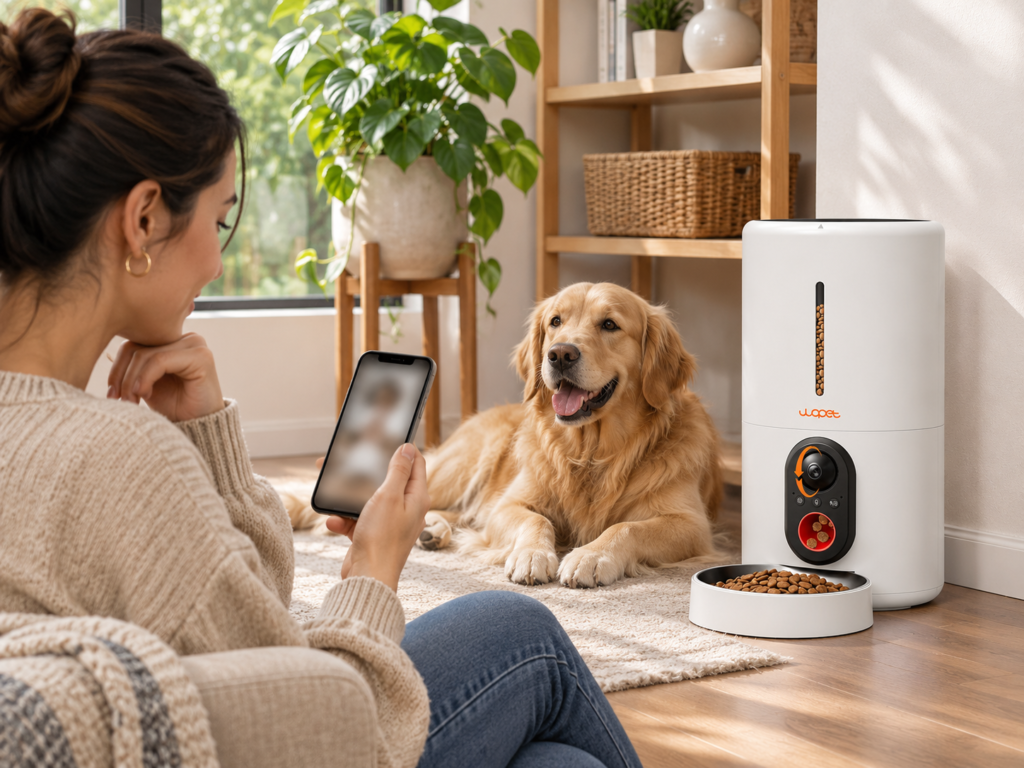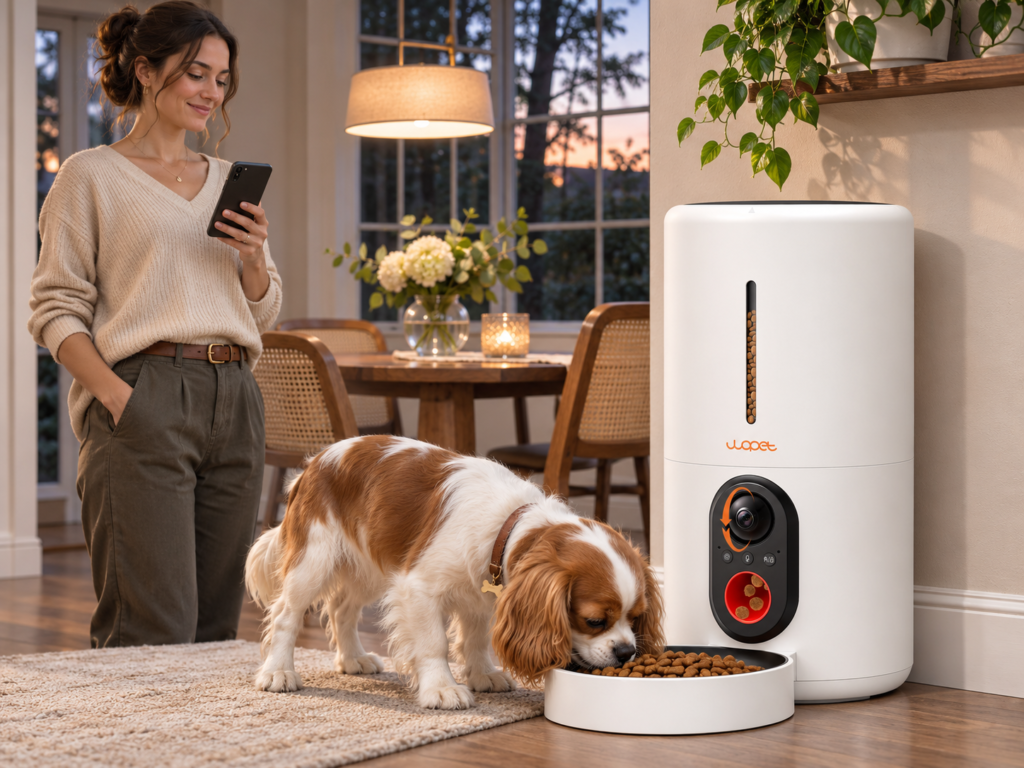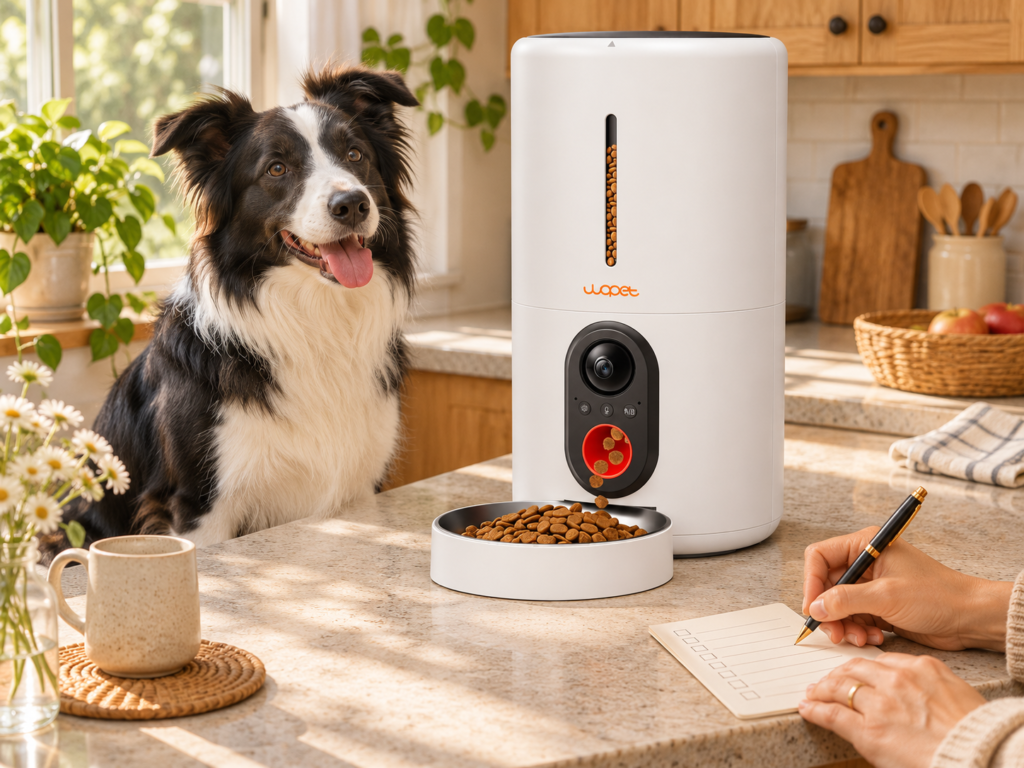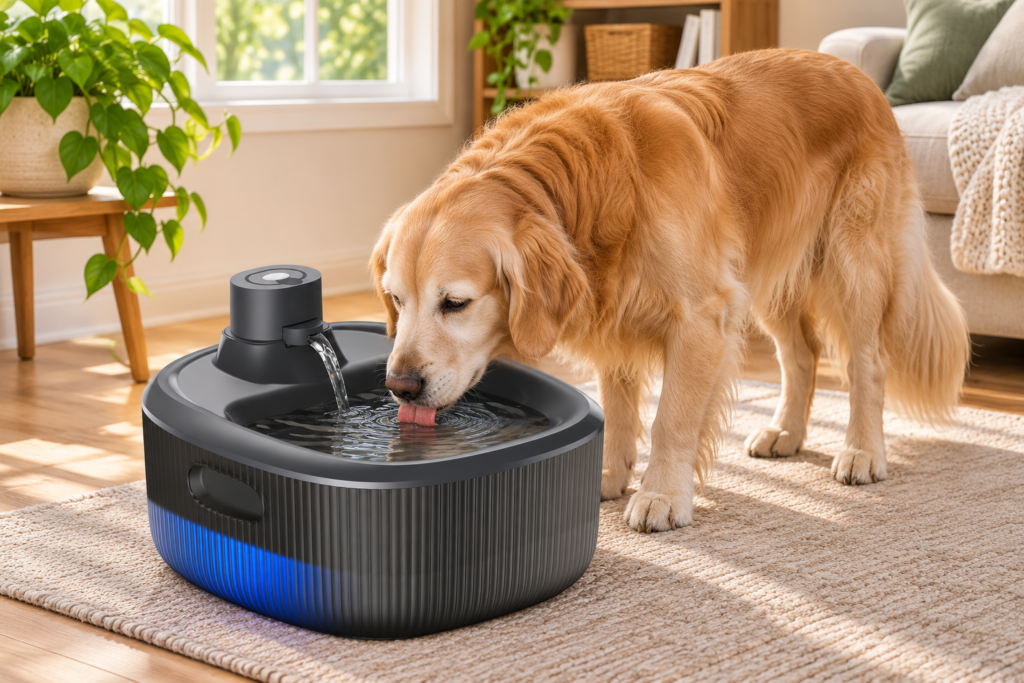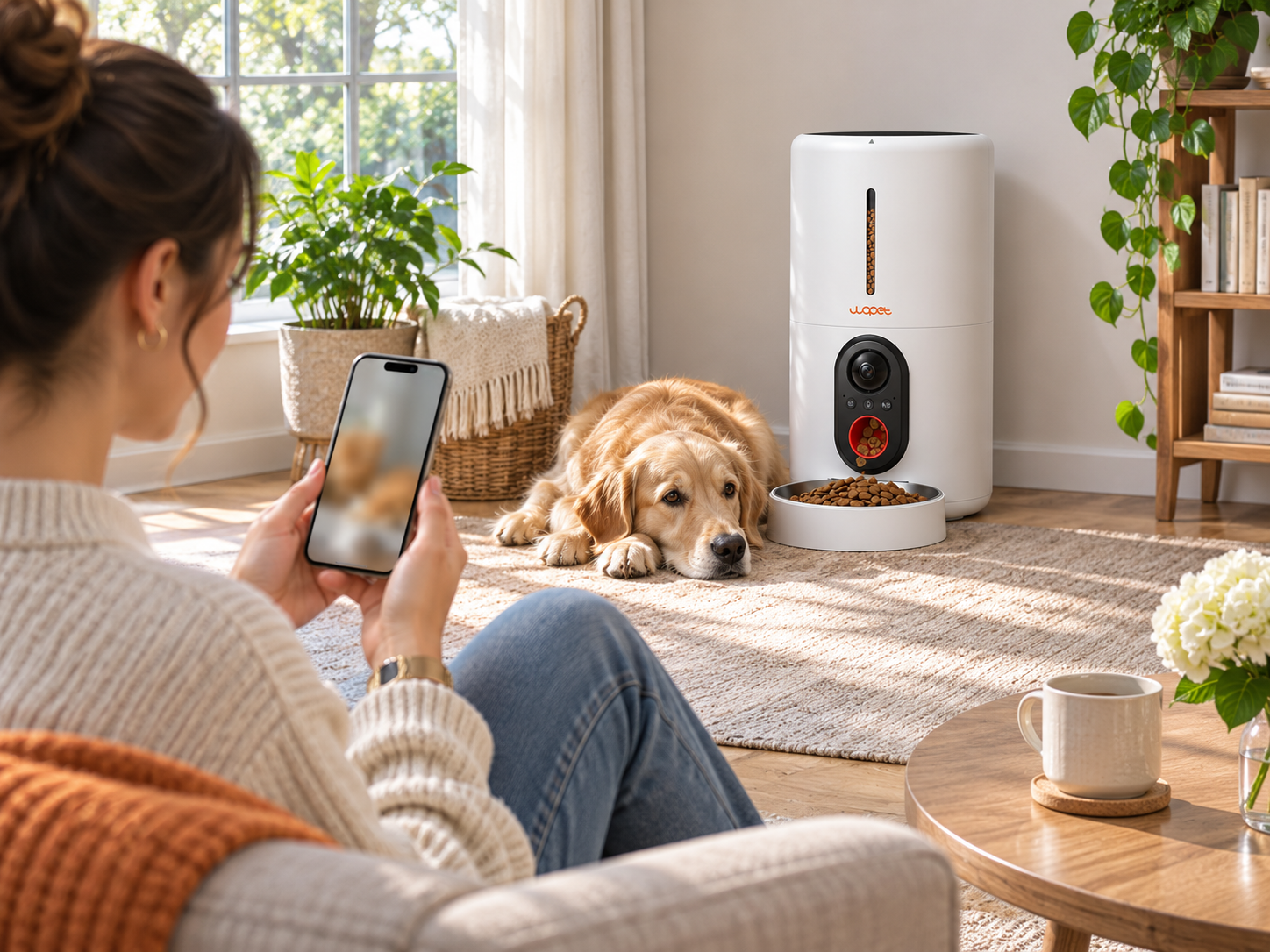

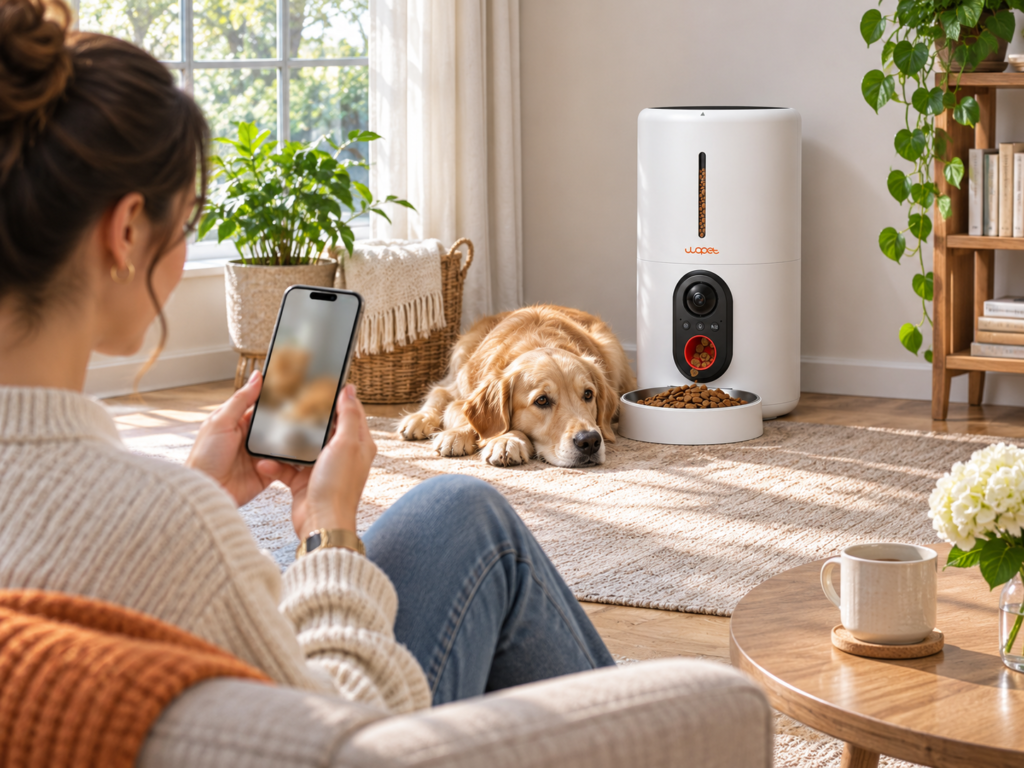
Set the camera so you can see the bowl when your dog stands in front of it. A good view of the room won’t tell you much if your dog blocks the part of the frame you need.
What a camera can help you notice
A clear view can help you see whether the dog is near the feeder around a scheduled meal or whether the feeding area appears undisturbed. Some camera systems also provide audio or app alerts. These observations may help you decide whether to check in with a person, especially if a dog has an established routine. They are most useful when the camera is positioned before travel and tested under normal lighting and network conditions.
What a camera cannot confirm
Seeing food in the bowl does not establish that the dog ate it. Seeing the dog approach does not show how much was consumed. The dog might carry food away, another pet might enter the frame, or the bowl might be partly hidden. A video feed also cannot tell whether the dog is nauseated, in pain, or drinking normally elsewhere in the home. Use it as one signal and arrange direct check-ins when the dog needs more than visual monitoring.
Make the view useful before leaving
Place the feeder where the camera can see the bowl and the dog’s approach path. Watch several meals from the phone you will use while away. Check daytime glare, low-light visibility, and whether the dog’s body blocks the dish. If the feeder is in a multi-pet home, observe whether another animal can reach the bowl. Adjust placement while at home so you are not troubleshooting the camera angle during an absence.
Understand alerts and connection limits
Confirm that app permissions allow notifications and that alerts arrive while the phone is locked. Test an alert event rather than assuming it is configured. Wi-Fi loss may affect video or remote app control even if the feeder behaves differently locally; read the exact model manual. WOPET’s Wi-Fi troubleshooting page and HV10P manual describe setup details to check.
Use camera information to support human care
If the camera repeatedly shows the dog skipping meals, arrange a person to check the dog and contact a veterinarian if appetite changes persist or are accompanied by other concerning signs. Don’t keep adjusting portions to compensate without understanding why food is left. For a puppy, senior dog, or pet with a health condition, make a care plan with the veterinary team and a trusted helper before any trip.
Match the device to what you need
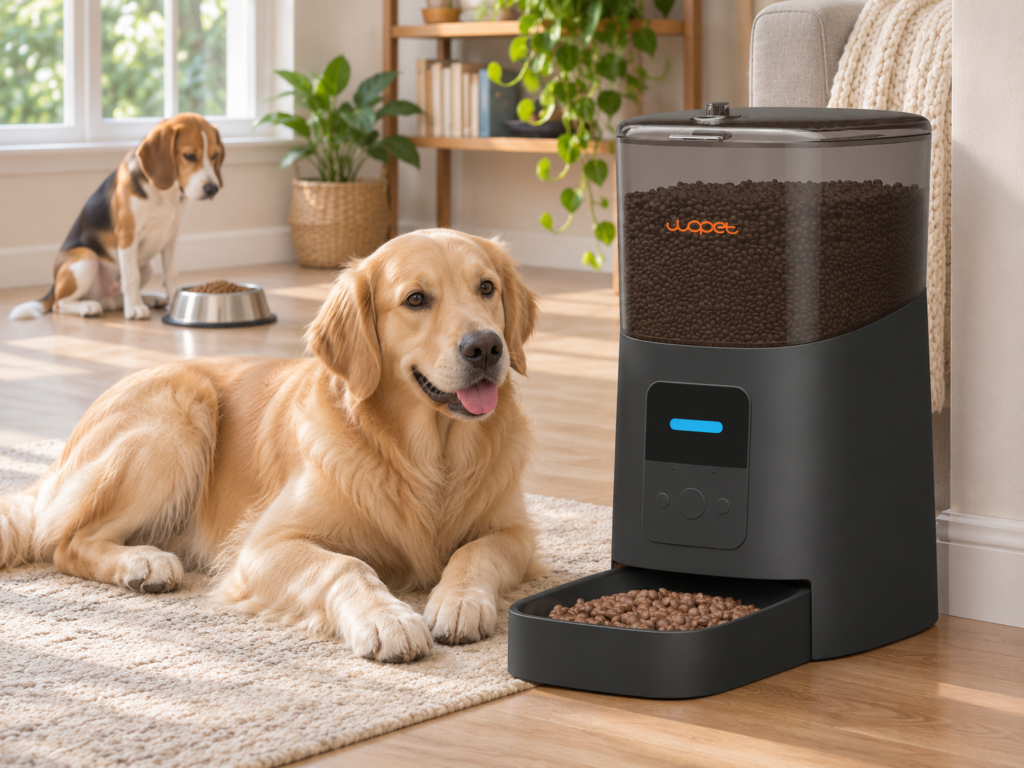
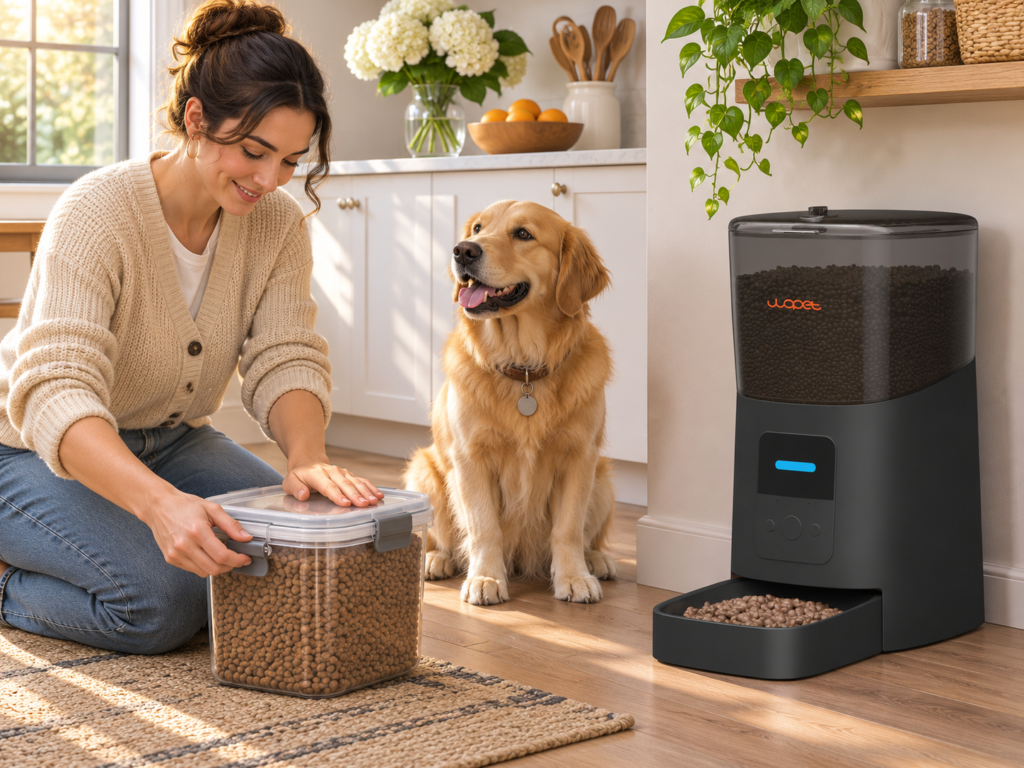
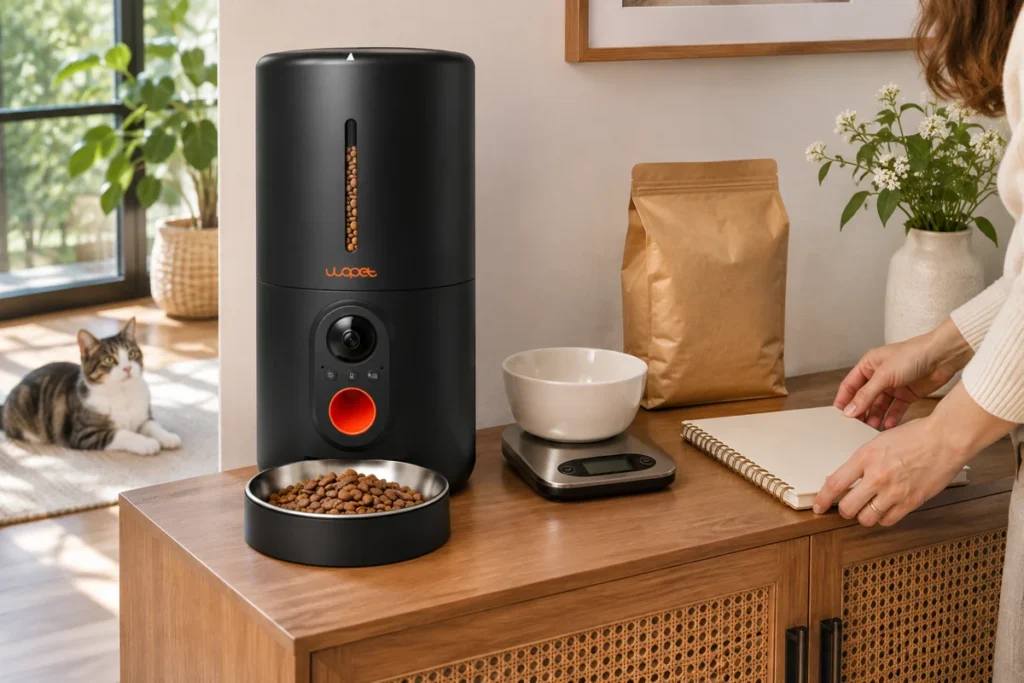
The WOPET HV10P combines a feeder with camera monitoring; compare its features and manual with your specific needs. If remote video is not important, the F07 Pro may be another model to review. In either case, verify food fit, portion output, cleaning, and network requirements. See our feeder selection guide for a routine-first comparison.
A short camera check routine
Before leaving, verify the time and camera view, confirm the feeder has sufficient food, and make sure the dog’s bowl is clear. Ask a helper to check the dog in person at intervals appropriate for its age and needs. Leave contact details and instructions for manual feeding if the app stops working. The most responsible use of a camera is to make human follow-up easier—not to make a dog’s care depend on a screen.
How to interpret a missed meal on video
If the camera shows no activity around a meal time, start with basic checks: is the bowl visible, did the feeder dispense, is the dog in another room, and was the schedule set correctly? Avoid jumping to a conclusion about the dog’s appetite from a single clip. Check in person or ask a helper to look at the dog. Repeated skipped meals or a sudden change in eating warrants veterinary advice, particularly when other symptoms appear.
Build a human response into the plan
Decide who will act if the app shows an unusual event. A person should be able to enter the home, see whether the dog is comfortable, and provide food another way. Leave the feeder manual and the dog’s normal meal instructions available. A camera becomes more valuable when it prompts a timely human check; without that response path, it can create the impression of monitoring without meaningful care.
Avoid overreading short clips
A short video may show a dog sniffing and walking away, but it cannot explain why. The bowl could be empty, the dog may be distracted, or the camera may miss the rest of the meal. Use repeated patterns rather than one moment to decide whether the system needs adjustment. If the dog’s behavior has changed, consult a veterinarian instead of changing food amounts based only on a camera clip.
Check the feeder and bowl as separate events
A clip may show food dropping but not show the dog eating. If you need to investigate a missed meal, check whether the schedule ran, whether the bowl is accessible, and whether food remains. Compare the event with the dog’s usual timing. Ask a person to look in when the video leaves uncertainty. This avoids treating an app timestamp as proof of intake.
Protect the dog’s routine during troubleshooting
If the camera, app, or network stops working, feed the dog manually until you confirm local operation. Check the exact manual to understand what continues offline. Don’t repeatedly reset a connected feeder without saving the schedule; a reset may require setup again. The camera is convenient, but meal delivery should not depend on an unverified app connection.
A helpful question for camera owners
Ask whether the live image changes what you will do. If seeing the dog approach would prompt a helper to check in, the camera may support your care plan. If you would be unable to act on a concerning image, arrange a local contact first. A camera becomes meaningful when it is connected to a realistic response plan rather than passive viewing.
A camera can show activity, but not whether the dog is receiving the right amount. The AKC guide to dog food portions offers broader context; use veterinary advice for an individual feeding plan.