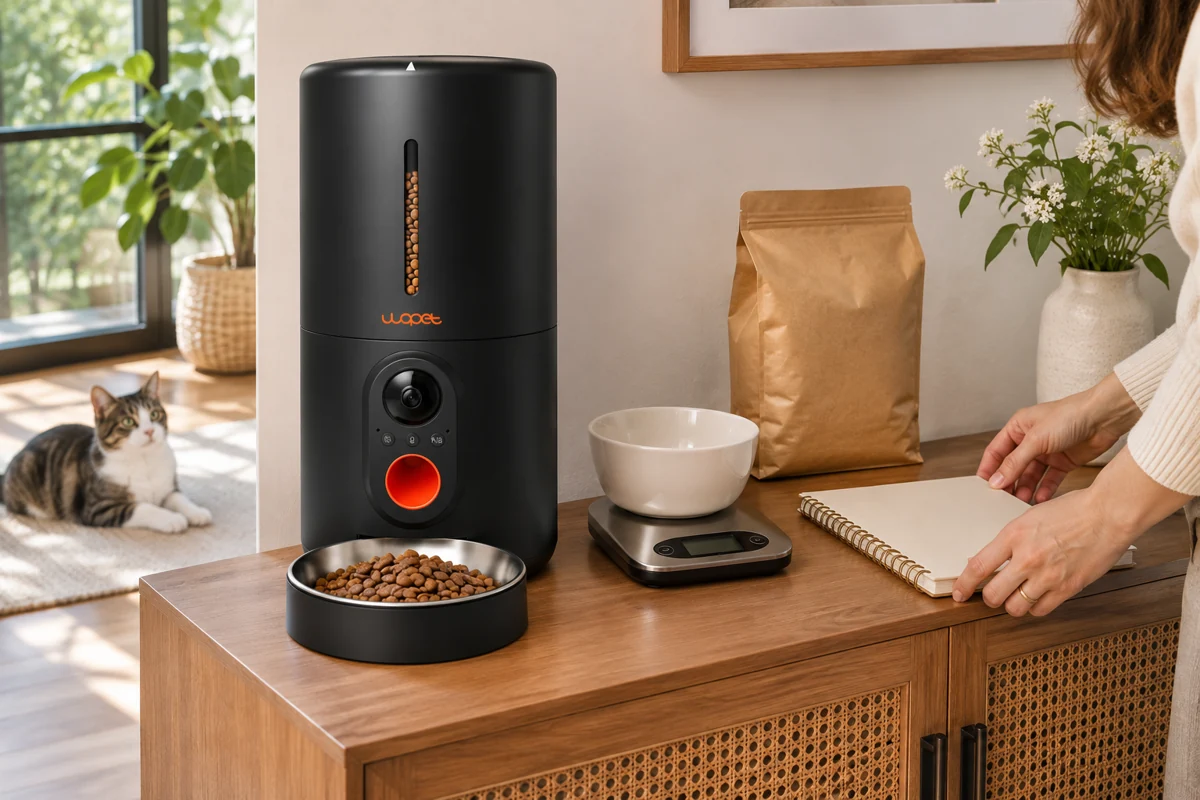

A feeder’s “portion” setting tells the machine how much to dispense; it does not tell you the exact weight in your cat’s bowl. To check it, collect the output, weigh it in grams and repeat the same setting with the food you normally use. Then check a scheduled meal before leaving the feeder to run on its own.
Even when the manual lists an approximate weight, kibble size and shape can change how much reaches the bowl. A few careful measurements will help you choose a setting that fits your cat’s feeding plan.
Start with your cat’s daily food allowance
First establish the daily food amount with the food’s guidance and your veterinarian where appropriate. Include food served by hand, wet meals and treats when discussing that plan. Once that amount is settled, you can work out how to divide it between the feeder’s scheduled meals.
For measurement technique, AAHA’s nutrition and weight-management guidance recommends a gram scale for greater precision than cups. Tufts’ Petfoodology explanation of weighing food describes why small volumes are difficult to judge reliably. Use those measurements to check the feeder against the food allowance you have chosen.
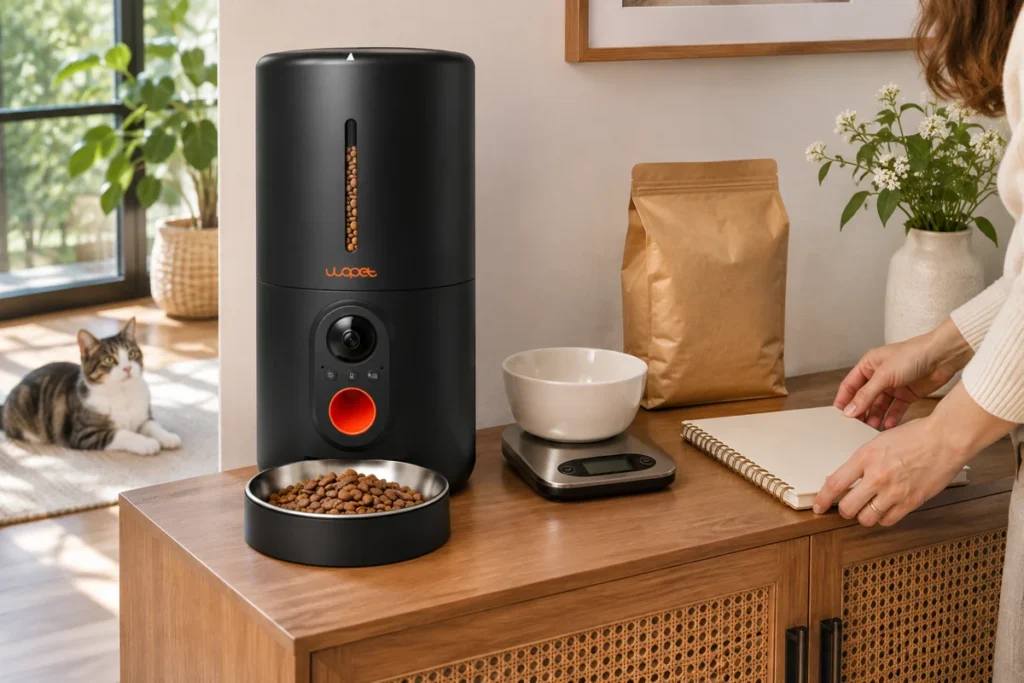
What you need before starting
- The exact feeder manual and the dry food you intend to use.
- A kitchen scale with gram units and enough resolution to distinguish your intended servings.
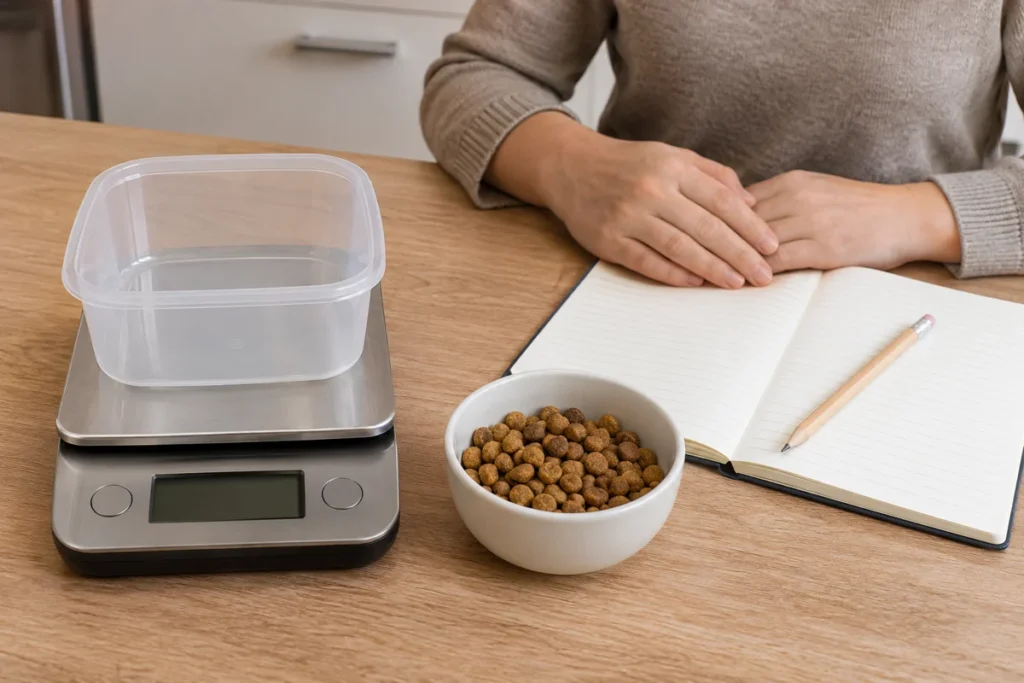
- A dry collection container that fits securely on the scale, plus a notebook.
- A stable place for the feeder and a way to keep pets away while food is collected.
Check the manual’s permitted food type and kibble-size range before putting food in the hopper. Do not test wet or sticky food in a model intended for dry kibble. Confirm normal assembly and power first. If the machine is already failing to dispense, use the safe dispensing checks rather than treating a jam as a calibration problem.
1. Record the food and portion setting
Write down the model, food name, selected setting and how you trigger dispensing. A single press of a manual-feed button may not use the same amount as your scheduled-meal setting. Compare those commands in the manual. Use the intended meal setting whenever the controls permit it, and make a separate scheduled test before relying on the result.
Keep the feeder level, use the same food and avoid changing several settings at once. If the manual requires a setup dispense or describes what happens after refilling, follow that procedure. Record unusual first outputs rather than quietly discarding inconvenient results.
2. Tare the scale and collect the food
Place the empty container on the scale and use tare so its weight is excluded. Trigger one defined dispense, wait for it to finish, then collect all food that reached the bowl. Do not put hands, a container or tools into the outlet or moving mechanism. Move the collected food to the container only when it is safe to do so.
Weigh the food in grams. Account for any pellets left in the original bowl or spilled nearby; if you cannot recover the full output, mark the trial incomplete and repeat it safely. Empty the measuring container and tare again before the next trial. Keep food clean and handle it according to its packaging instructions.
3. Repeat the check and keep the results
Start with five dispenses at the same setting. Record each result, including unusually small or large outputs. Five checks will give you a useful starting picture, although they cannot guarantee the weight of every later meal.
| Trial | Model / food / setting | Collected weight (g) | Notes |
|---|---|---|---|
| 1 | Fill in | Fill in | Complete output? Any spill? |
| 2 | Same conditions | Fill in | Fill in |
| 3 | Same conditions | Fill in | Fill in |
| 4 | Same conditions | Fill in | Fill in |
| 5 | Same conditions | Fill in | Fill in |
Calculate mean output = total collected grams ÷ number of complete trials. Also keep the smallest and largest result. A mean describes these observations; it does not guarantee every later meal will match it.
How to calculate the average: a hypothetical example
Suppose a household’s already-established plan assigns 60 g of one dry food per day across three equal meals. That would be 20 g per meal. This is arithmetic for a hypothetical plan, not an amount recommended for your cat.
Imagine the selected meal setting produces 18, 20, 19, 21 and 22 g in five complete checks. The total is 100 g and the mean is 20 g, while individual outputs range from 18 to 22 g. These are hypothetical figures, not measured WOPET results or a product accuracy specification. Whether that variation suits your cat’s plan depends on the required allowance and the model’s documented behavior.
Do not assume that doubling a portion setting exactly doubles the grams. Test the setting you intend to schedule. If no available setting fits the plan, discuss a workable feeding arrangement rather than silently changing the cat’s daily food allowance to suit the machine.
4. Check a scheduled meal and add up the day
Check the clock, time zone, enabled meal times and portion values. Observe a scheduled test meal while you are home and weigh its output using the same method. Then add the planned amounts across all enabled meals and any food offered separately. Repeated small differences or duplicate schedules can matter when they accumulate.
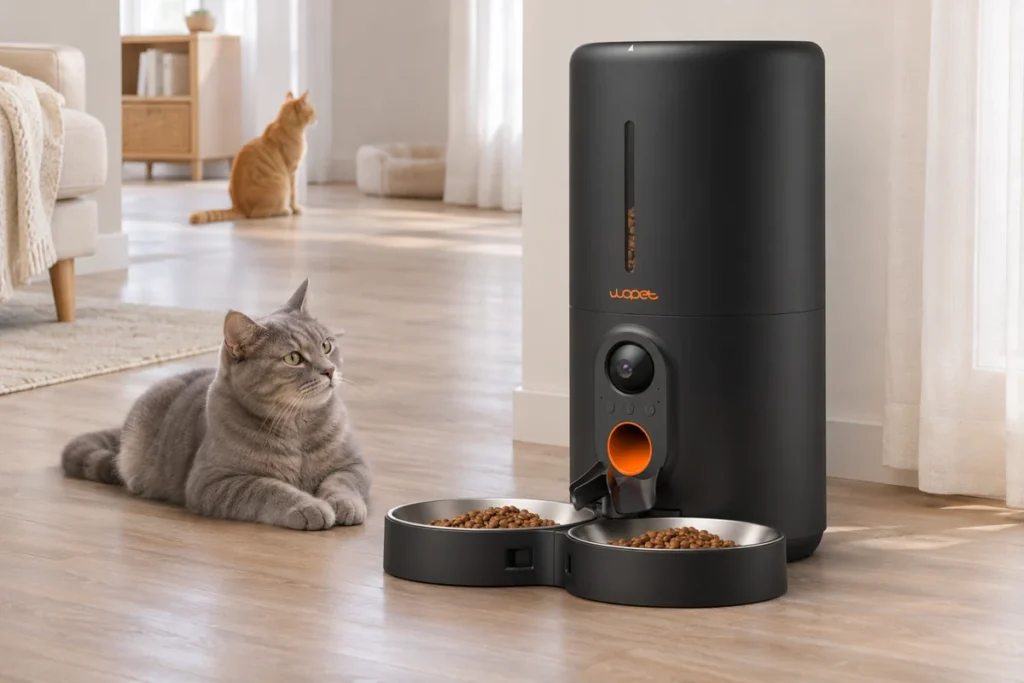
On a dual-bowl unit, weigh each bowl separately and then add them to check total delivery. Total food dispensed is not the amount each cat ate. Our single-versus-dual-bowl feeder guide explains the access and food-sharing questions that weighing alone cannot solve.
When to measure again
- After changing the food formula, kibble size or shape.
- After a relevant assembly, maintenance or portion-setting change.
- If food output changes, meals are missed or an alert appears.
- When your veterinarian changes the feeding plan.
If results are inconsistent, check permitted food, hopper seating, accessible obstructions and the documented controls. Do not open the motor base or reach into an operating outlet. Contact support with the model label, food details, settings and your recorded outputs. Retest normal delivery before relying on the next unattended meal.
Use the instructions for your own WOPET model
Start with HV10P support and manual, HV10DP support and manual, F07 Pro support, or CA10 support. A shared brand name does not mean identical portion settings. For the rest of the setup, use the first-setup checklist.
Common questions
Can I use a measuring cup instead? It can help with some tasks, but a gram scale is more useful for checking small differences in a feeder’s output. Do not substitute a cup mark for the device’s portion setting.
Can I use the grams stated for another model? No. Use your model’s instructions as a starting point and check your unit with the intended food.
Does a working camera prove the correct meal was delivered? No. A view of the bowl does not establish gram weight or which cat ate the food.