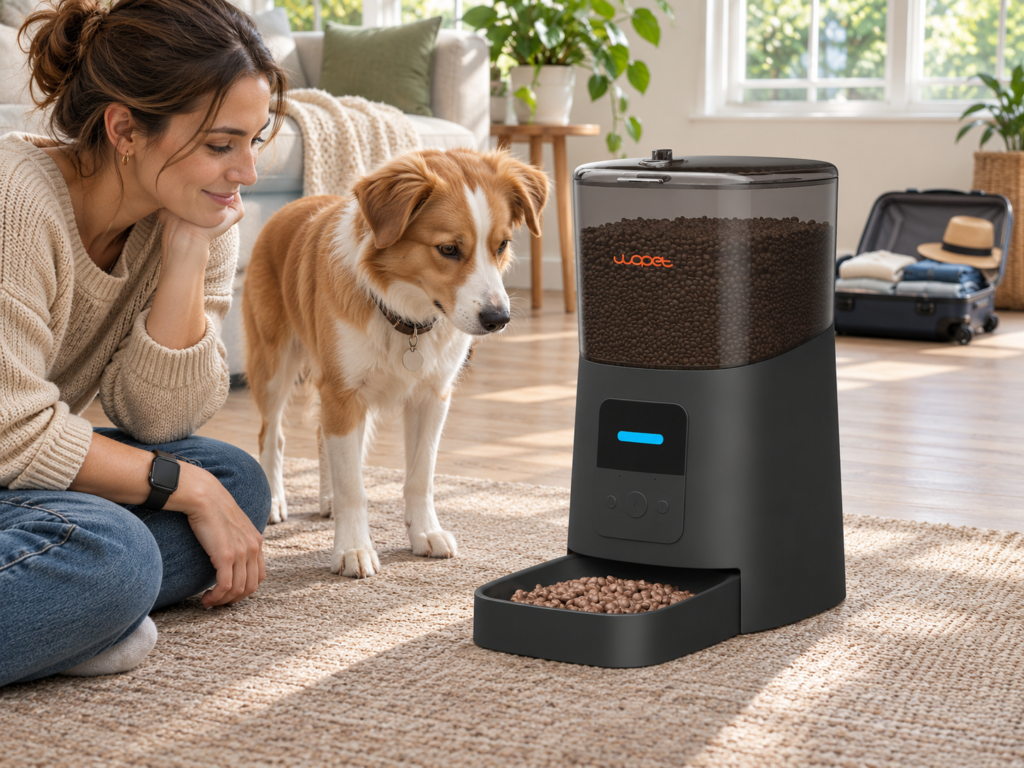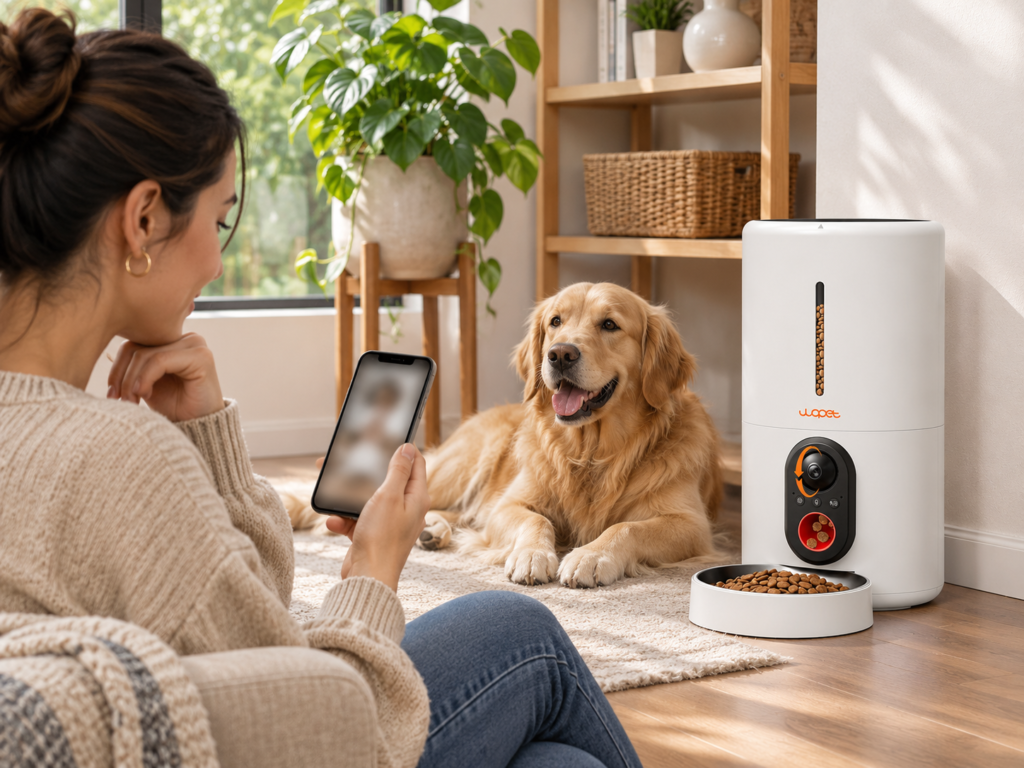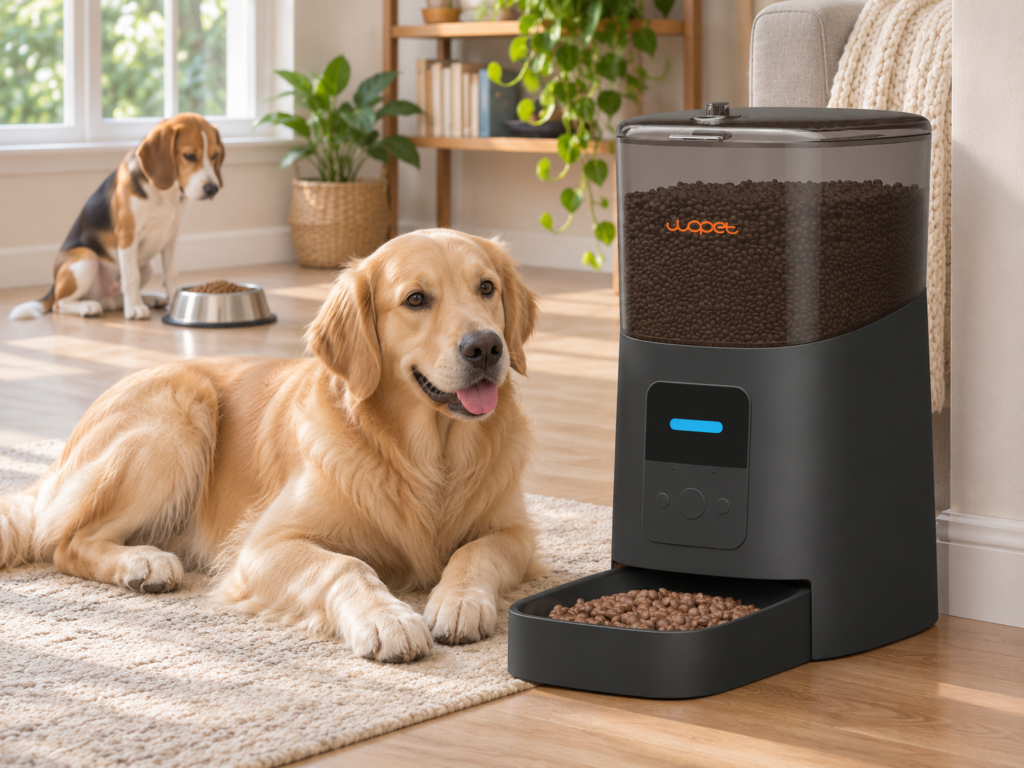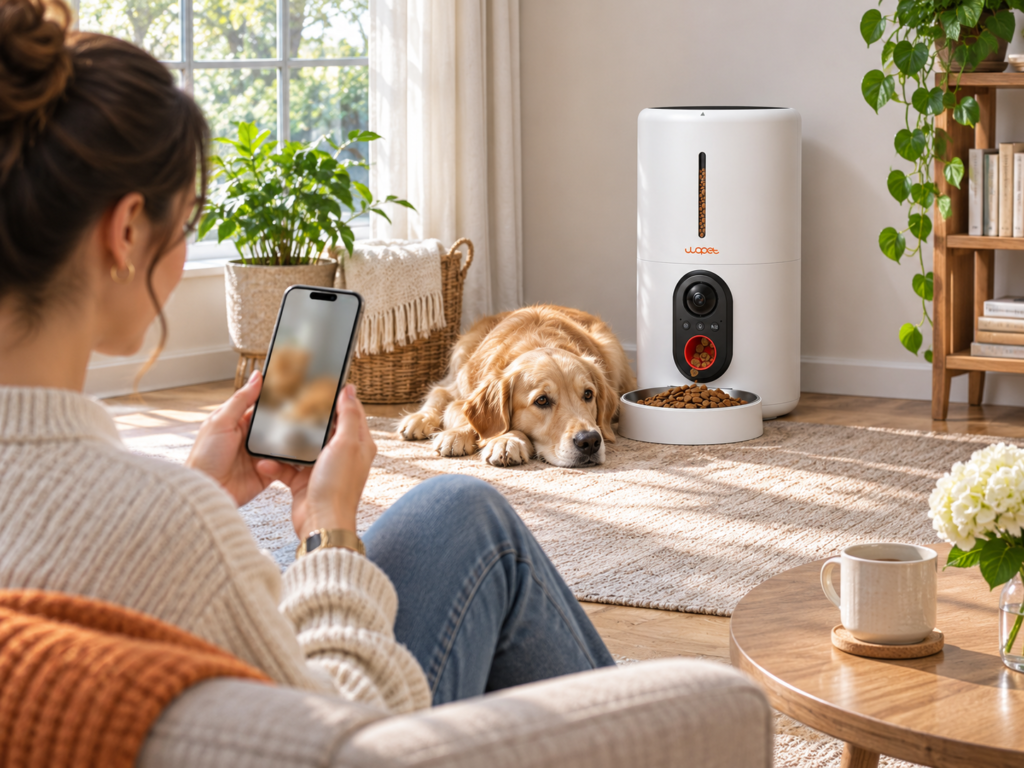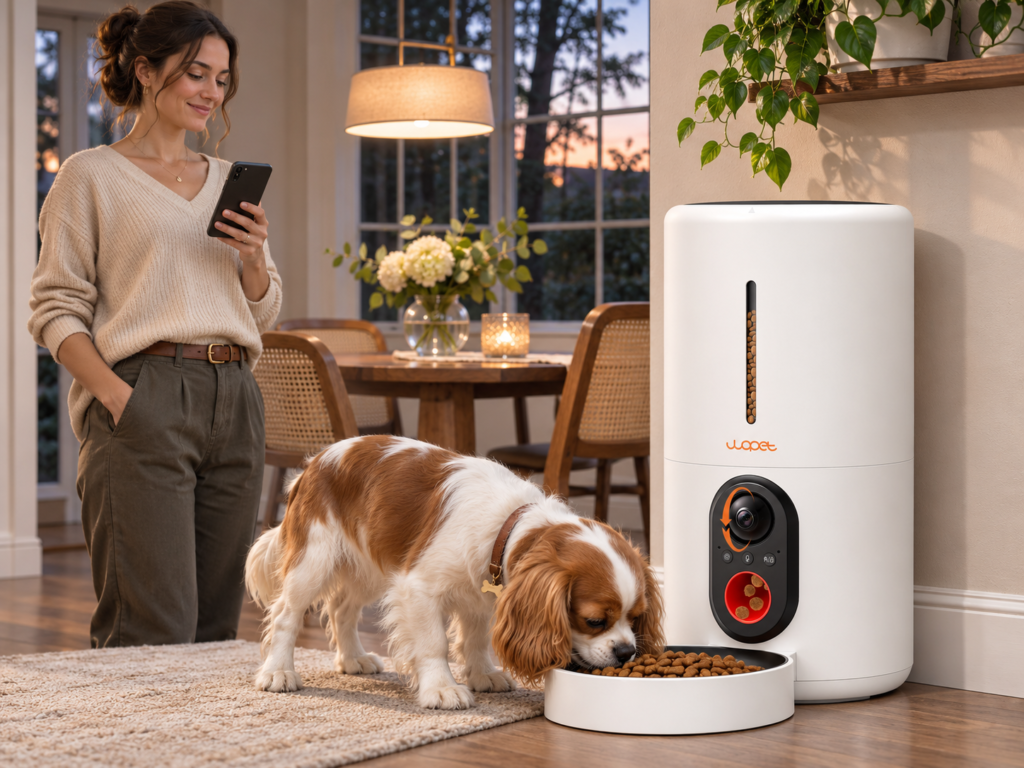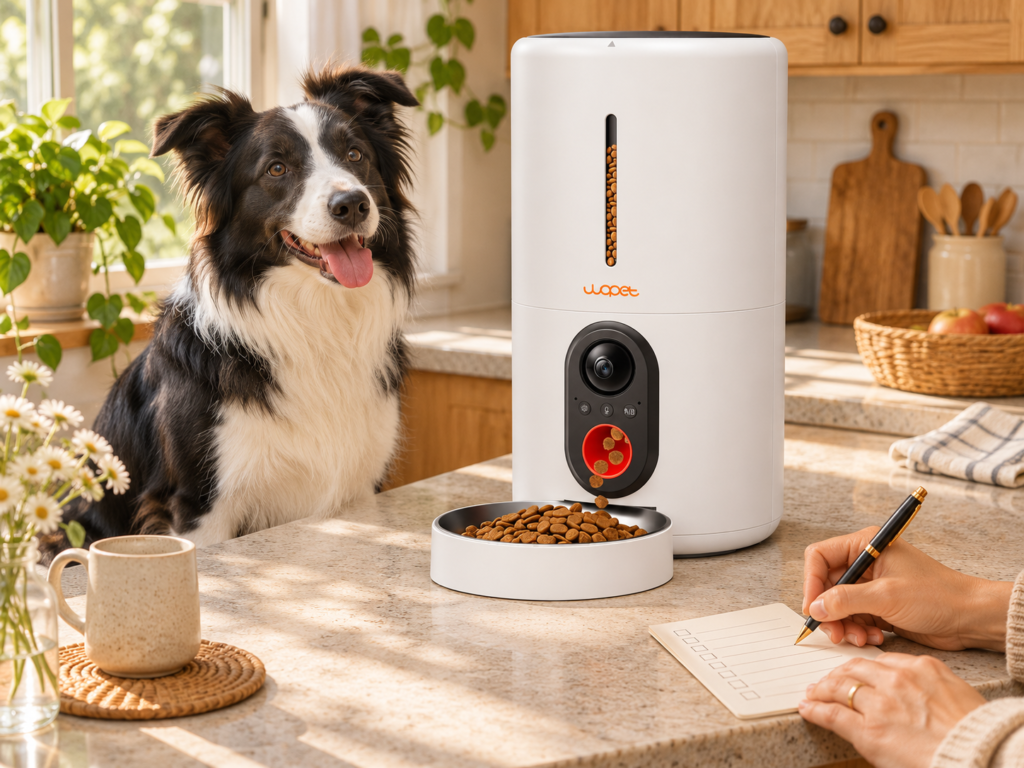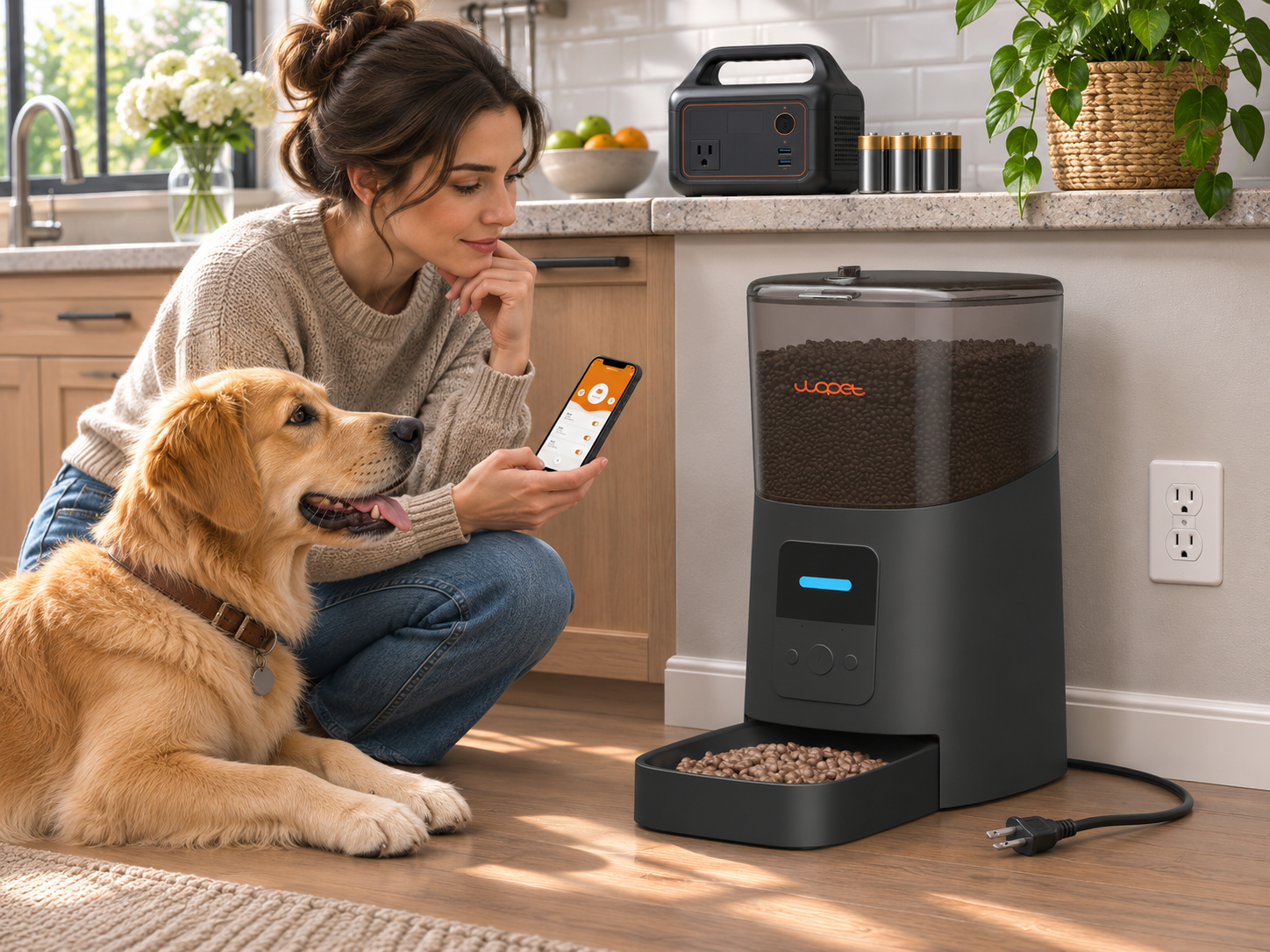

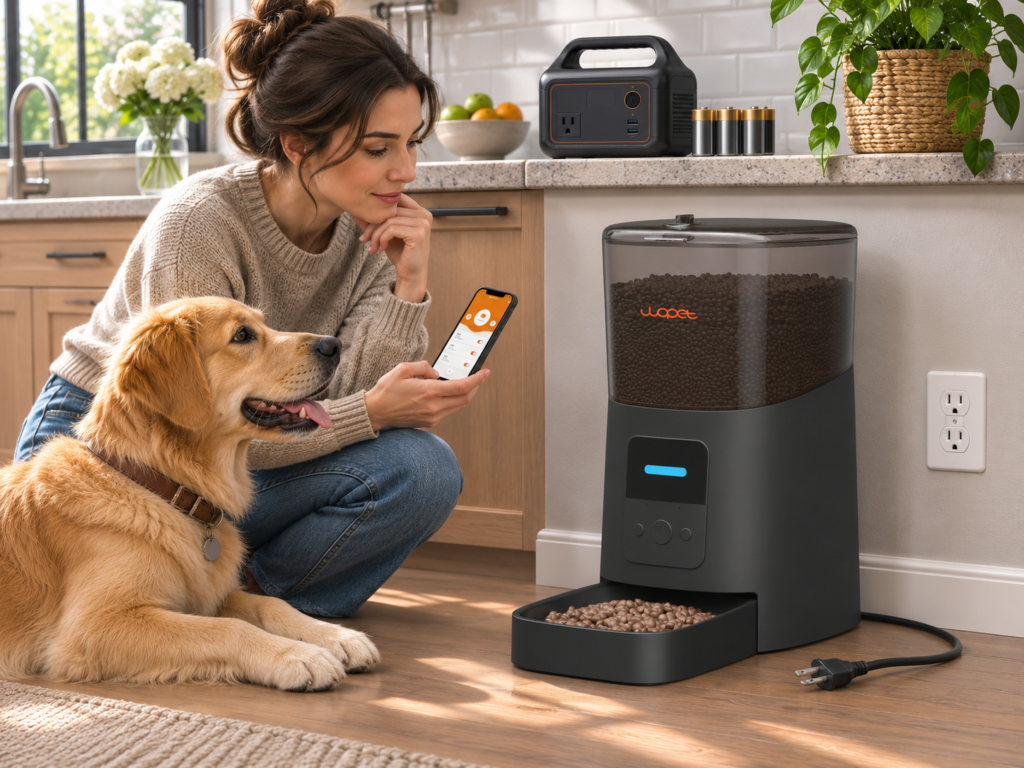
Behavior depends on the exact model
Find your model’s power-loss instructions before testing it. Some feeders keep dispensing from backup batteries even when remote features are unavailable, and others stop until power returns.
Check whether backup batteries are supported
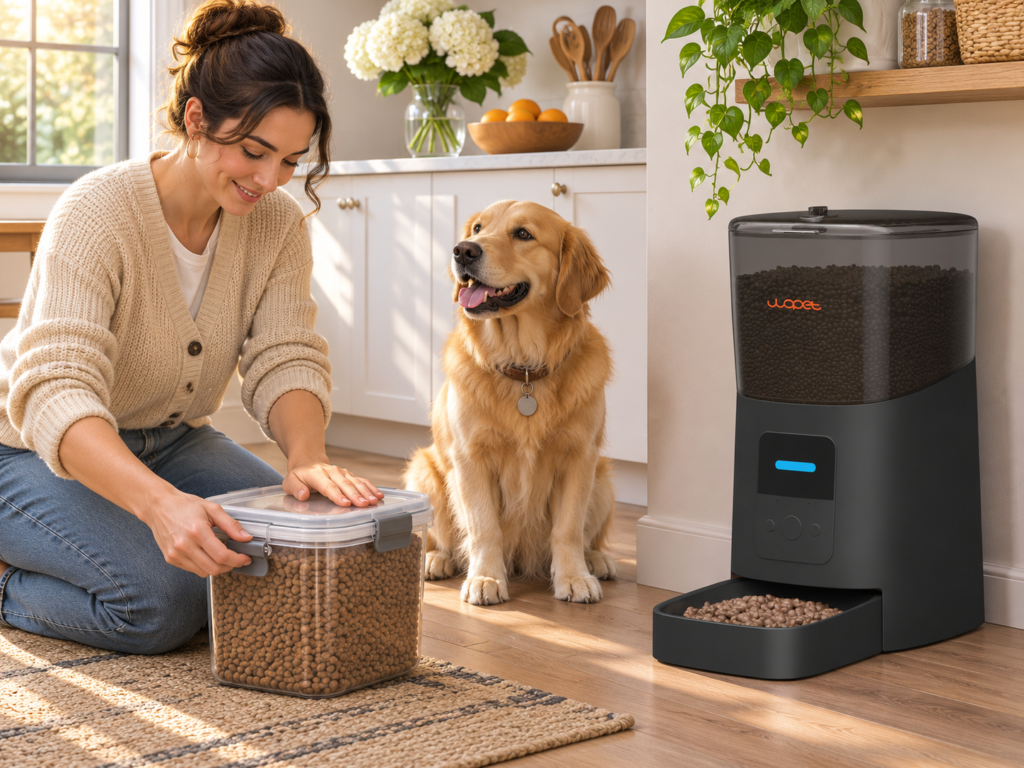
Find out whether batteries are included, which type is approved, and what functions continue when unplugged. Some designs use backup power only for dispensing, while others may preserve settings or not provide backup at all. Replace batteries as directed and keep spares available if the device requires them. Never install an unsupported battery or modify the electrical system.
Understand the router and internet side
Even if a feeder can dispense locally, a router or internet outage may prevent remote app access, live video, or notifications. The app going offline does not necessarily tell you whether the local schedule is operating. Learn how the feeder indicates power or schedule status and check it from the device itself. A caregiver should know how to feed the dog manually if the app cannot be reached.
Run a controlled test at home
Use the procedure in the manual to test backup behavior safely while present. Confirm the clock and schedule remain correct, then observe a scheduled portion. Restore normal power and check whether settings changed. Test camera, app, and alerts separately because they may fail for different reasons. Do not simulate an outage by pulling or opening parts unless the manufacturer says that is safe.
Create a practical backup feeding plan
For a short outage, a person may be able to serve a meal from the normal food supply. For a longer outage or absence, arrange someone who can check on the dog, confirm food and water, and respond if the feeder fails. Leave clear portions and the device manual. Keep contact details available and avoid depending on the camera as the only way to notice a problem.
WOPET model-specific manuals
Check the HV10P manual or F07 manual for the exact model you own, and browse the manual library. Compare the HV10P product information and the F07 Pro details before choosing. Verify backup claims against the documentation.
Common mistakes to avoid
Do not assume an outage will be visible in the app if the router is also down. Do not wait until a trip to test backup power. Do not leave a dog without a human backup simply because the feeder has batteries. Do not reset or reprogram the device during an outage unless you know how that affects saved meals. Keep food available for manual service and confirm the dog’s meal was actually delivered.
A final pre-trip check
Before leaving, inspect the power adapter and cable, confirm any batteries are fresh, test a scheduled serving, and identify who will intervene if power is lost. Note whether the feeder restores its clock automatically or needs a manual check. A feeder can reduce routine work, but the safest setup still includes someone who can respond. For a full selection checklist, see our automatic feeder guide.
How to make an outage test useful
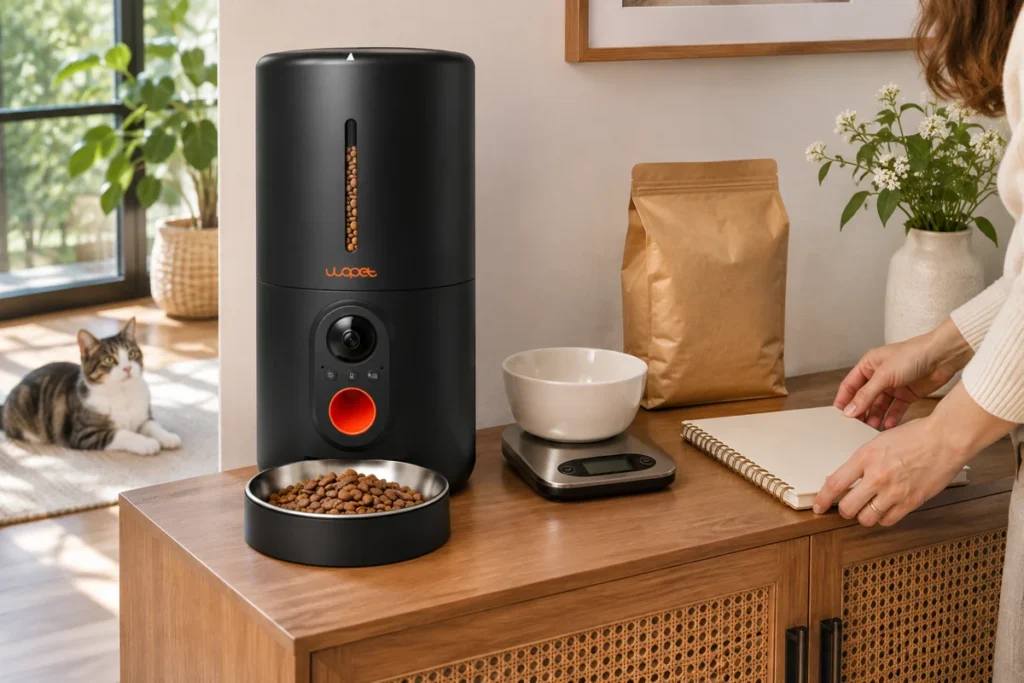
Write down the normal setup before testing: schedule, time, portion, and app status. Follow the manual’s safe procedure to remove AC power or switch to backup mode. Observe one planned dispensing event and check whether clock, schedule, and amount are preserved. Restore power and verify settings again. A test is useful only if it answers a clear question, so do not unplug cables or open the device in a way the manufacturer does not recommend.
Power outage versus feeder malfunction
If a meal is missed, determine whether the home lost power, the adapter disconnected, the hopper emptied, or the mechanism jammed. Each has a different remedy. Look at the device indicators and inspect the outlet safely. If there is a burning smell, damaged cable, or unusual heat, stop using it and contact the manufacturer. Do not keep restarting a device that shows signs of electrical damage.
Help a caregiver use the backup plan
Give the helper a clear amount, food location, and schedule. Show them how to serve a meal without changing the feeder programming. Leave instructions for who to call if the dog refuses food or the device appears damaged. The purpose of backup care is to keep the dog looked after, not simply to repair an appliance. For longer outages, the helper should also check water and the dog’s comfort.
When an outage coincides with travel
Do not leave for a trip immediately after a storm warning or power event without checking the feeder and home. Confirm power is restored, the clock is correct, and the next meal dispenses. If power reliability is uncertain, ask someone local to visit. Remote cameras and alerts may be unavailable when the network is down, which makes an in-person contact especially important.
Practical follow-up
If the power is unstable, keep the caregiver informed about how to serve meals manually and where the food is stored. After electricity returns, verify the device clock before assuming the schedule resumed correctly. A brief check of one scheduled serving can prevent a silent timing error from continuing for several days.
A backup plan should preserve the dog’s normal measured meals. The AKC guide to feeding amounts can provide general context; a veterinarian can personalize the plan.