
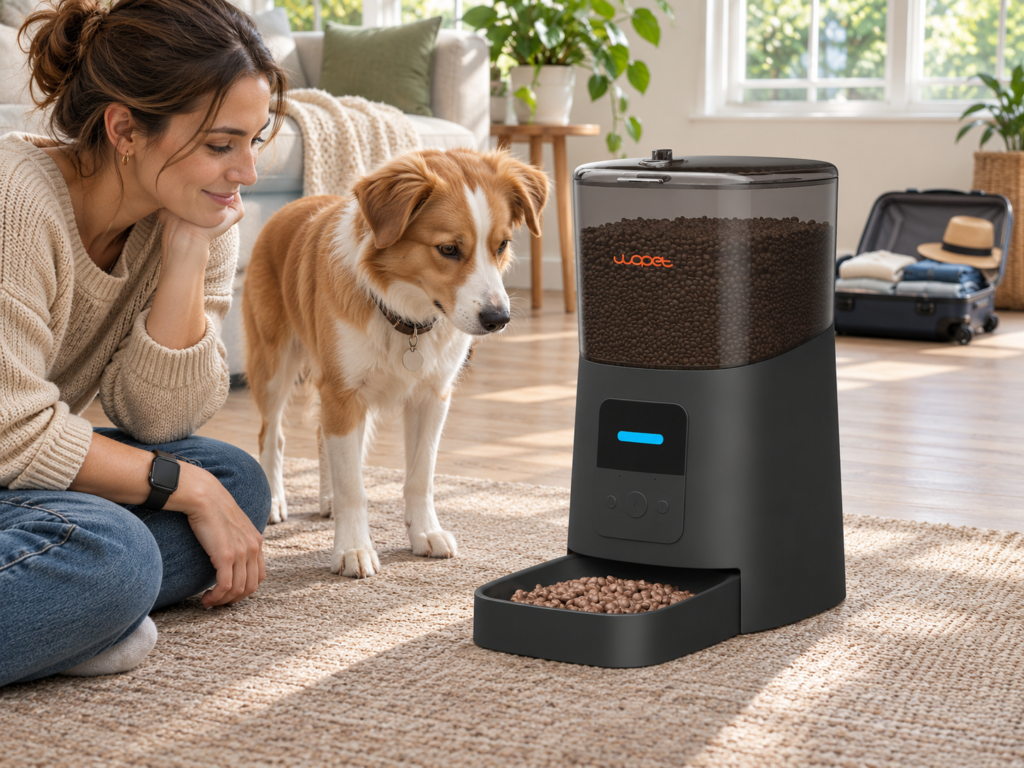
Start the trial well before departure
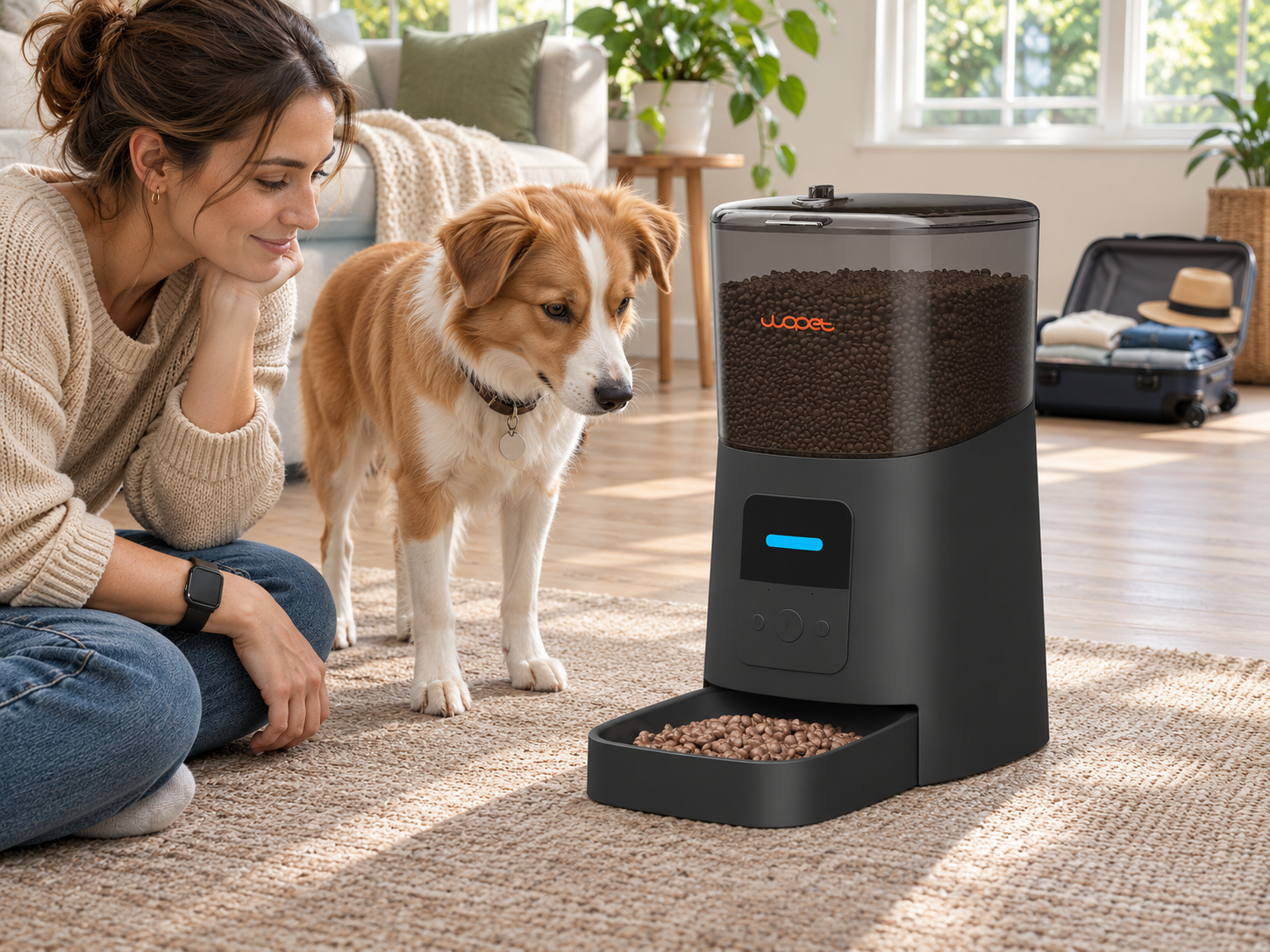
Run the feeder through your dog’s usual meals for several days before a trip. Use the same kibble, bowl position and settings you plan to leave in place.
Calibrate using the actual food
Dispense several test servings into a bowl and weigh them. Use the kibble your dog will eat during the trip, since shape and size can affect flow. Compare the output with the daily amount from your dog’s feeding plan. Repeat the test with the hopper partly full, not only when freshly filled. If portions vary, check the manual for compatible food and correct setup before relying on the device.
Watch a complete scheduled meal
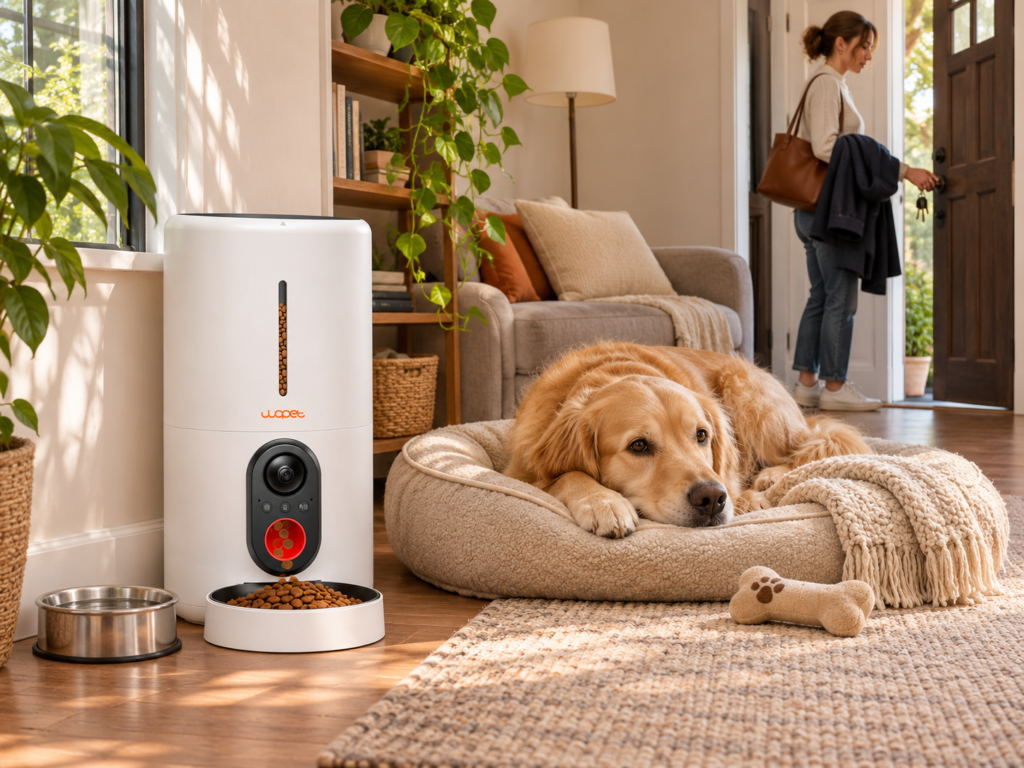
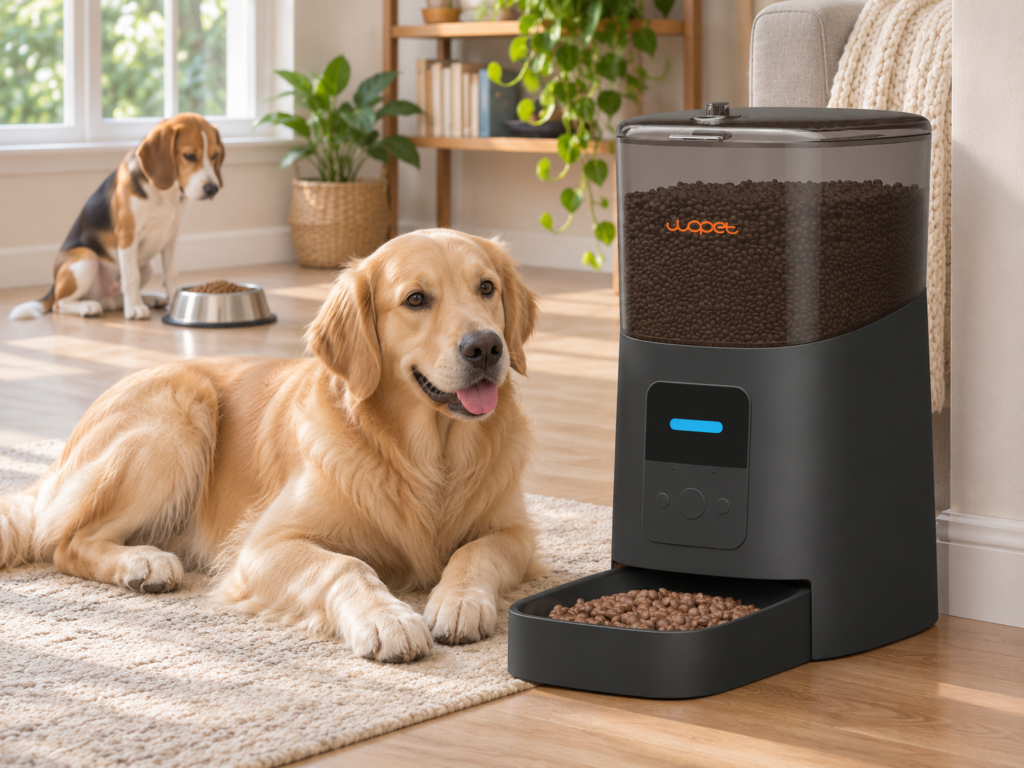
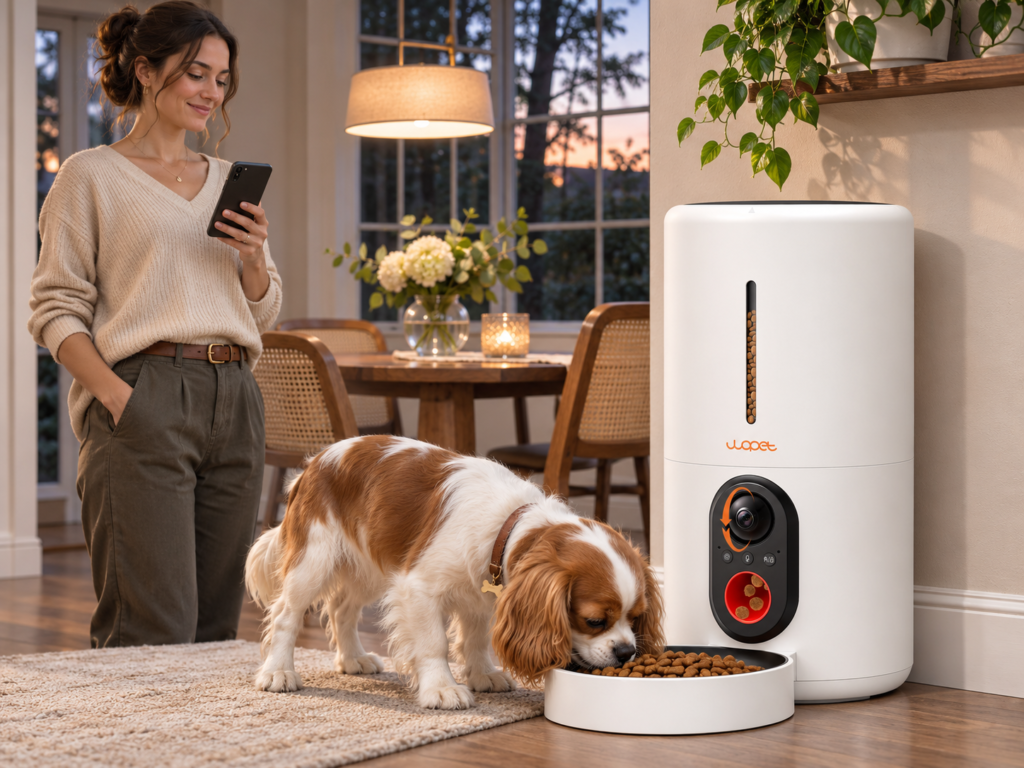
Observe the feeder at the actual meal time and from the final location. Confirm the clock is correct, the portion is released, and food reaches a bowl the dog can access. Watch whether the dog approaches, eats normally, and leaves the area. If the bowl is pushed away or another pet intercepts the meal, change the setup and test again.
Test the app and alerts separately
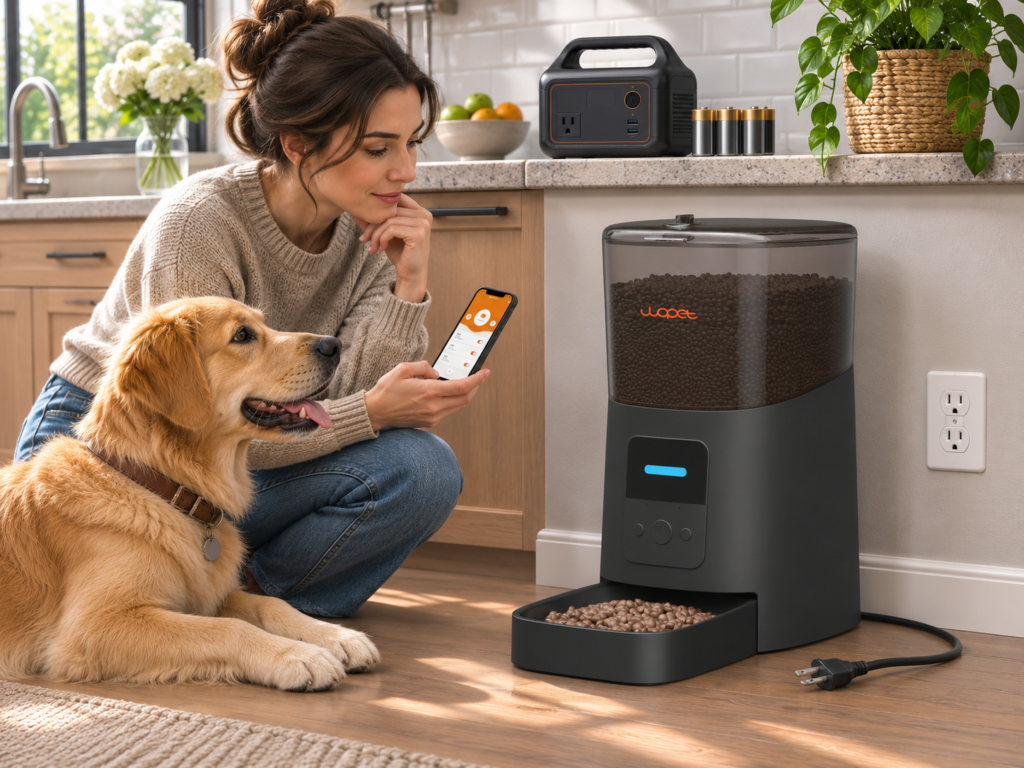
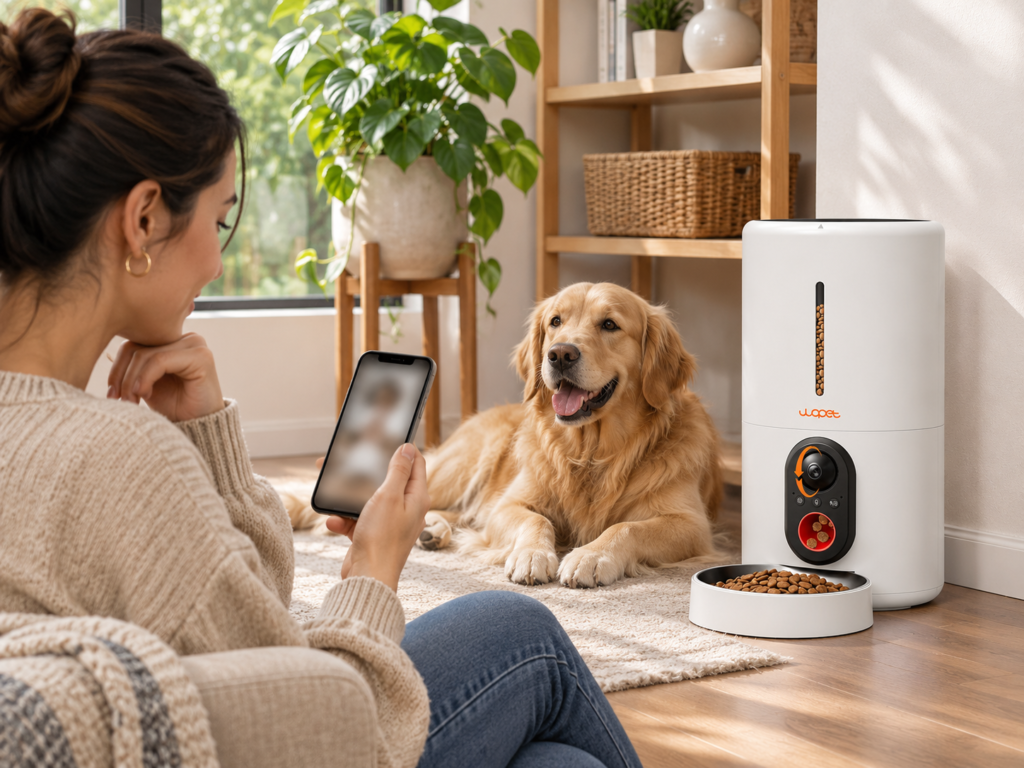
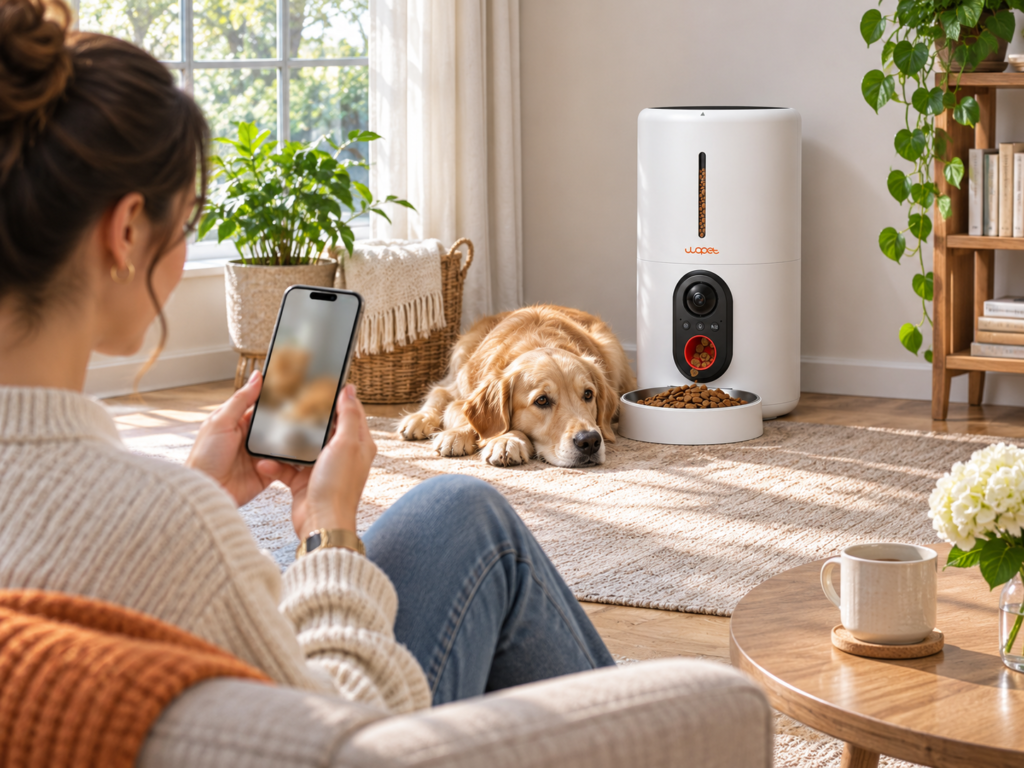
Open the app from the phone you will use while away. Check schedule display, notifications, camera or audio functions if included, and whether the feeder remains connected from its final position. Lock the phone and confirm important alerts still appear. Do not assume an app notification means food was eaten; it may only show that a device event occurred.
Understand power and offline behavior
Read the model manual to find out what happens if power or Wi-Fi is interrupted. If the device supports a backup battery, verify which functions continue and test the approved procedure while at home. Learn whether a saved schedule remains after a disconnection or reset. Keep a printed or saved manual available for the caregiver.
Choose a person as the real backup
Leave a trusted person who can enter the home, check the dog, and serve a meal manually. Provide food portions, water instructions, contact information, and the feeder manual. A camera or app cannot respond to a spilled bowl, a dog refusing food, or a household emergency. For longer trips, plan appropriate in-person care rather than asking the feeder to cover the entire absence.
Prepare the food and refill plan
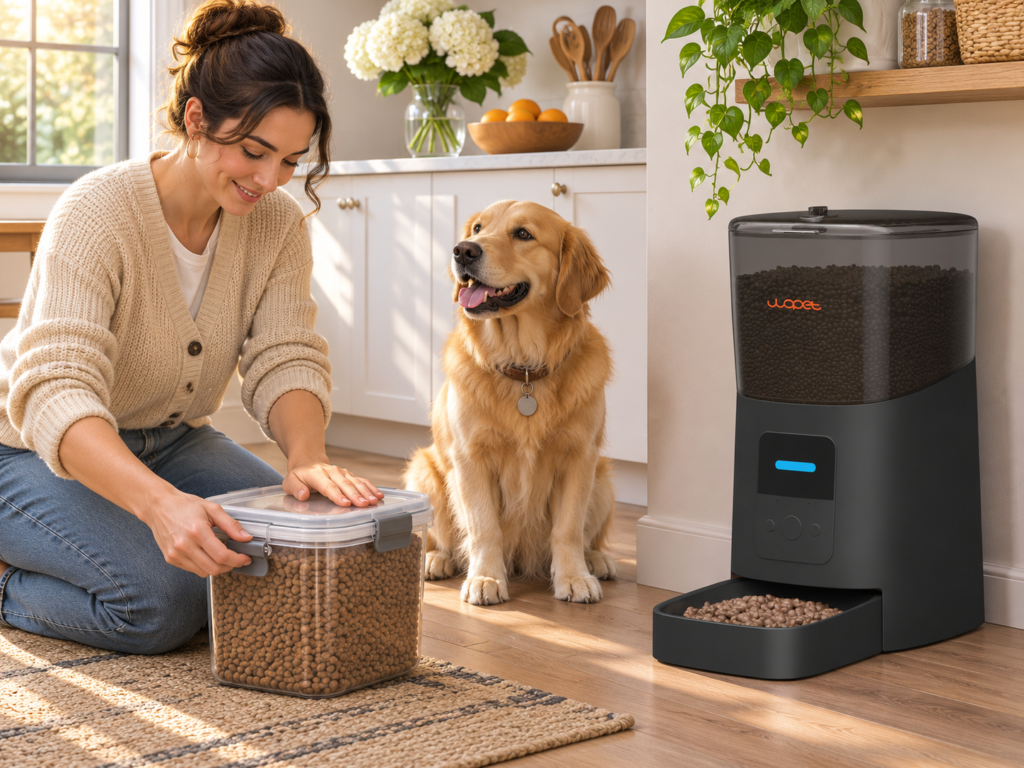
Estimate how much kibble the dog will eat between visits and keep the hopper within its safe capacity. Make sure the food is stored according to package directions and the feeder is clean and dry. Label the food container and leave enough for the helper to serve meals manually if necessary. Avoid introducing a new food immediately before leaving unless you have already transitioned the dog successfully.
Use model-specific setup help
For WOPET devices, consult the HV10P manual or F07 Pro manual, plus the first setup guide. If connection is part of the plan, review Wi-Fi troubleshooting before departure.
A final evening-before checklist
Confirm there is enough compatible food, the bowl and feeder are clean, the schedule is active, and the helper knows what to do. Watch one last dispensing cycle if timing permits. Leave a note explaining how to switch to manual meals and who to contact if the feeder appears damaged. A calm, tested routine is more useful than adding new settings at the last minute.
Decide whether the feeder is ready
If portions remain inconsistent, the dog avoids the bowl, or network behavior is unclear, keep a person responsible for meals rather than treating the feeder as ready. Compare your findings with our automatic dog feeder selection guide and the product manual. The purpose of a pre-trip test is confidence based on observed behavior, not a checklist completed on paper.
Trial schedule across a normal week
A single successful meal is not enough evidence that the feeder is ready. Let the device handle the planned meals over ordinary weekdays and at least one weekend day. This can reveal whether a schedule changes, a family member accidentally serves an extra portion, or the dog reacts differently when the household is quieter. Keep the same kibble and meal plan during this test so you can identify the cause if something changes.
Record the exact settings
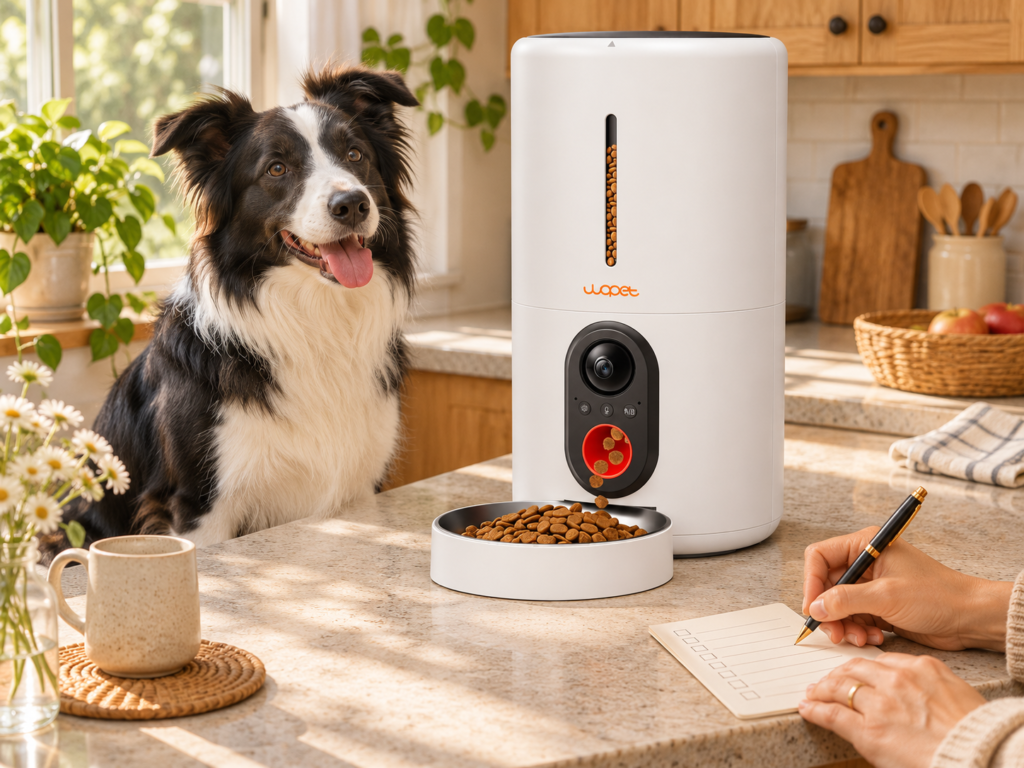
Write down the portion setting, scheduled times, app account used, and any backup power details. If a helper needs to change a setting, they can compare it with the original plan instead of guessing. Keep a copy of the manual beside the food. If several models or apps are in the home, label the instructions clearly so a caregiver does not reset the wrong device.
Prepare for the dog to ignore the feeder
Some dogs hesitate around a new motor sound or bowl. Introduce the unit while present, allow the dog to explore it, and run a few supervised meals. Do not wait until departure to discover that the dog avoids the bowl. If the dog remains reluctant, use the familiar feeding method and seek advice if needed. The feeder should support a routine the dog accepts.
Set up the feeding space before travel
Clear the area around the feeder so the dog can approach without moving objects or encountering a closed door. Make sure the bowl is not under a table edge where a person could bump it. Keep food and cleaning supplies accessible to the caregiver. If you use a camera, check that it shows the dog’s approach and bowl, but remember that video cannot replace a physical check.
Do not change multiple variables at once
A trip is a poor time to introduce a new food, new schedule, new feeder, and new location all together. If one element fails, it becomes difficult to tell why. Make changes in advance and test them individually. Keep the daily portion consistent unless a veterinarian advises otherwise, and retain a familiar manual-feeding option throughout the transition.
For the meal plan itself, the AKC article on feeding frequency is a general reference. Confirm the schedule for your dog with its veterinarian before travel.